
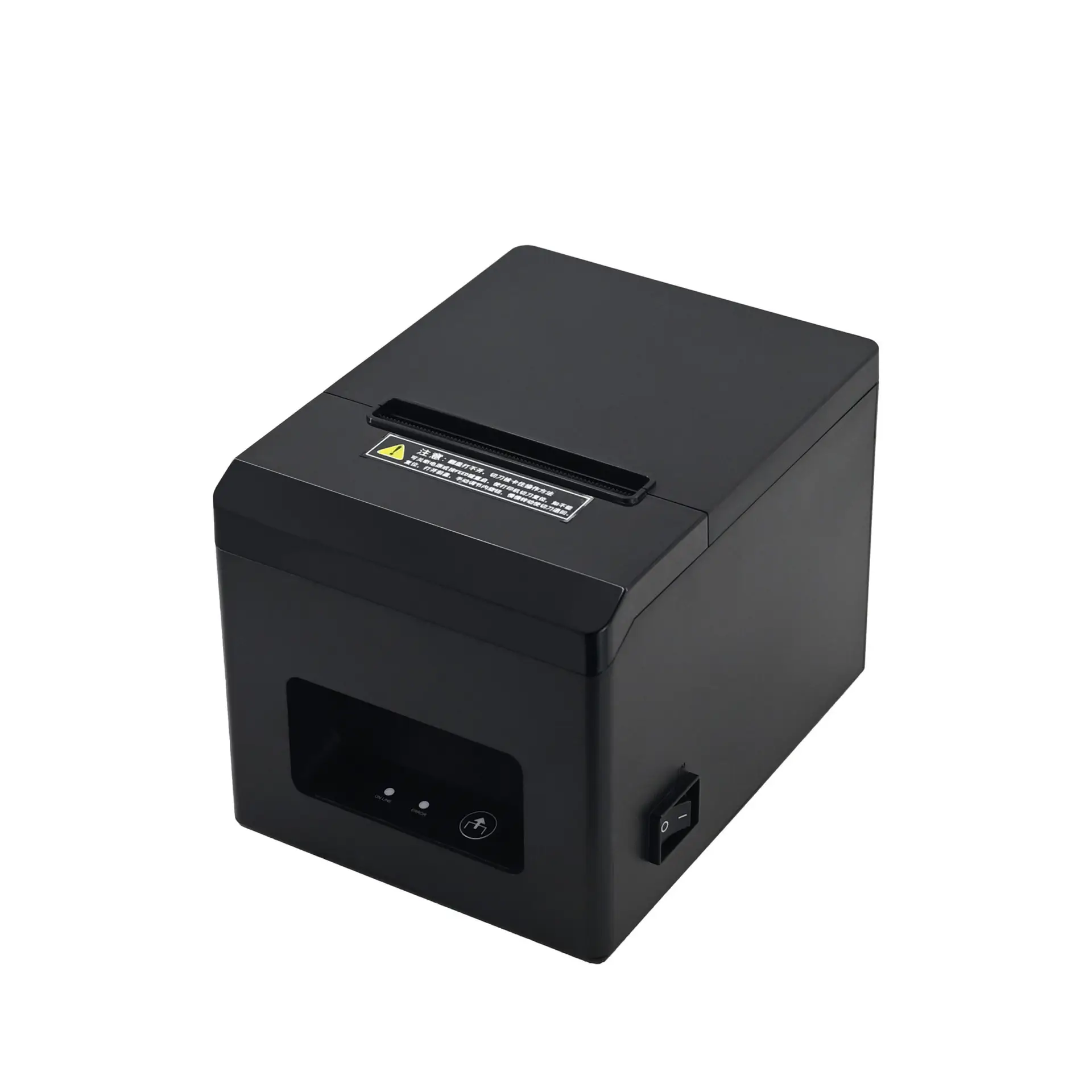

Are you looking for a reliable printing solution for your retail business? Our 80mm Thermal Receipt Printer is designed to meet the high demands of supermarkets, restaurants, and logistics centers. With a rapid printing speed of 200mm/s, this printer ensures your checkout lines move quickly and efficiently.
Why Choose Our 80mm POS Receipt Printer?
Unlike traditional dot-matrix printers, this device uses advanced direct thermal technology. Consequently, you never need to buy expensive ink or ribbons. Simply load the thermal paper, and you are ready to print.
Versatile Connectivity Options
Flexibility is key for modern businesses. Therefore, we offer multiple interface options to suit your setup. The standard model comes with USB, but you can upgrade to USB+Bluetooth, USB+WiFi, or USB+LAN. Whether you need a wired connection for stability or a wireless solution for mobility, this printer has you covered.
Built for Durability and Safety
Reliability is crucial in a commercial environment. This printer features a robust thermal head with a lifespan of 100km. Furthermore, the built-in auto-cutter is rated for 1 million cuts, supporting both manual tear and automatic cutting. For added safety, it includes intelligent overheat protection and an out-of-paper alarm to prevent downtime.
Technical Specifications
Below are the detailed parameters of this high-performance device:
| Product Name | 80mm Thermal Receipt Printer |
| Printing Method | Direct Thermal (No Ink Required) |
| Print Speed | 200mm/s |
| Paper Width | 79.5mm ±0.5mm (Max 80mm) |
| Interfaces | USB, USB+BT, USB+WiFi, USB+LAN (Optional) |
| Auto Cutter | Yes (1 Million Cuts Lifespan) |
| Cash Drawer Port | DC 24V, 1A (6-wire RJ-12) |
| Dimensions | 212mm(L) x 139mm(W) x 139mm(H) |
| Power Input | AC 100-240V, 50~60Hz |
Frequently Asked Questions (FAQ)
Does this 80mm thermal receipt printer need ink?
No, it utilizes direct thermal printing technology. This means it prints by heating chemically treated thermal paper, so you do not need to purchase ink cartridges or ribbons.
Is it compatible with my cash drawer?
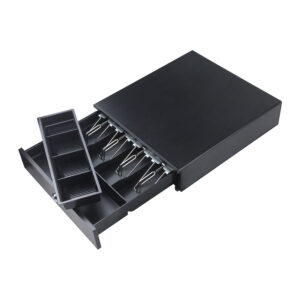
Yes, the printer includes a standard RJ-12 interface (DC 24V, 1A). It is compatible with most standard cash drawers used in POS systems.
How long is the warranty for the print head?
The thermal print head is extremely durable, with a lifespan rating of 100km of printing. The auto-cutter is also designed to last for over 1 million cuts.
Maintenance & Care Guide for Thermal Printers
To ensure your 80mm Thermal Receipt Printer operates at peak performance for years to come, regular maintenance is essential. Since thermal printers do not use ink or ribbons, maintenance is surprisingly simple and cost-effective. Here are some professional tips to extend the lifespan of your device:
1. Cleaning the Thermal Print Head
The print head is the most critical component. Over time, paper dust and adhesive residue can accumulate, causing faint prints or white lines. We recommend cleaning the print head every time you change a box of paper rolls.
- Turn off the power: Always switch off the printer before cleaning.
- Cool down: If you have just finished printing, wait 2-3 minutes for the head to cool.
- Wipe gently: Use a cotton swab dipped in 100% alcohol (ethanol) to gently wipe the heating element. Do not use sandpaper or hard objects.
2. Choosing the Right Paper
Not all thermal paper is created equal. Using low-quality paper can release excessive dust, which wears down the rollers and gears faster. For this POS receipt printer, always ensure you use high-quality 80mm thermal rolls (79.5mm ± 0.5mm). High-quality paper also ensures that your receipts remain legible for a longer period, which is important for record-keeping.
3. Preventing Overheating
Although this printer comes with built-in overheat protection, placing it in a well-ventilated area is best practice. Avoid covering the printer with cloths or placing it directly next to heat sources like kitchen ovens or radiators. Proper ventilation ensures the high-speed motor maintains its 200mm/s efficiency without throttling.
4. Dealing with Paper Jams
In the unlikely event of a paper jam, do not pull the paper out forcefully, as this may damage the rubber roller. Instead, open the top cover, remove the loose paper, and check for any debris. The easy-loading design of our printer minimizes jam occurrences, but correct handling is key to longevity.
By following these simple steps, you can maximize the ROI of your hardware investment and ensure uninterrupted service for your customers.
More Information
Not sure if this model fits your needs?
Contact our support team for a free consultation.
Learn more about how Direct Thermal Printing technology works and why it saves you money on ink.

Reviews
There are no reviews yet.