SUPPORT CENTER

BETTER INFORMATION. BETTER HARDWARE CHOICES.

Prepare the right questions for setup, compatibility and POS hardware sourcing.

HARDWARE SUPPORT

Everything to Move Forward

Technical support starts by identifying the terminal, software version and deployment workflow.

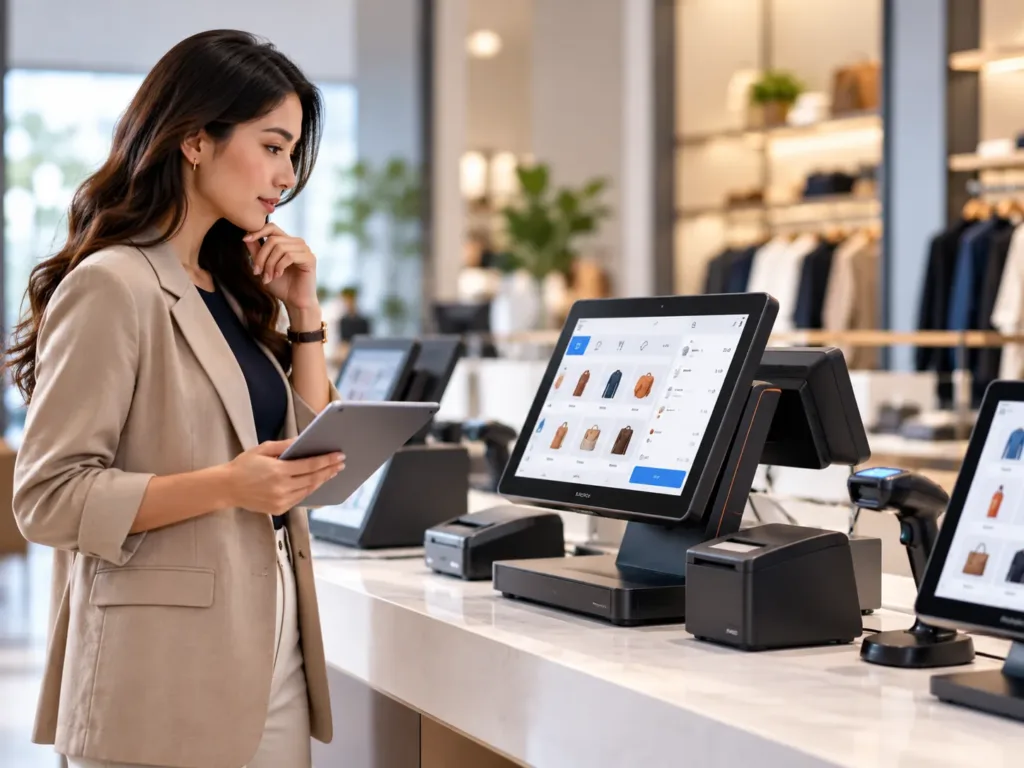
Illustrative POS hardware technician checking touchscreen terminal and device configuration

POS Hardware Technical Support

Send your model information and the symptoms you are seeing. The team can discuss connection checks, software compatibility, printers, touch functionality and suitable next troubleshooting steps.

01

Hardware Specifications

Confirm screen, chipset, memory, storage and ports.

02

OS & Driver Questions

Review Windows or Android versions and software compatibility.

03

Ports & Peripherals

Confirm supported receipt printers, scanners and cash drawers.

04

Sample Orders

Clarify evaluation samples, testing and deployment conditions.

05

Packing & Logistics

Discuss destination requirements and labeling.

06

After-Sales Coordination

Prepare serial numbers and issue reports for troubleshooting.

FREQUENTLY ASKED QUESTIONS

Questions Before Your Next POS Order

Send us the intended application and model for accurate answers.

Which OS should I choose?

Choose Windows or Android according to the software and driver support required in your project.

Can PENPOS apply my brand?

Logo and packaging options depend on the chosen model and order terms.

Can I connect external peripherals?

Peripherals depend on supported USB, serial and network interfaces. Confirm compatibility before purchase.

How should I prepare a sample test?

Test software startup, peripherals, network connections, printer output and daily workflow.

LET’S WORK TOGETHER

READY TO DISCUSS YOUR POS PROJECT?

Send your target application, preferred operating system, configuration and quantity. Our team can help clarify suitable hardware choices.

Scroll to Top
WhatsAppGet Quote