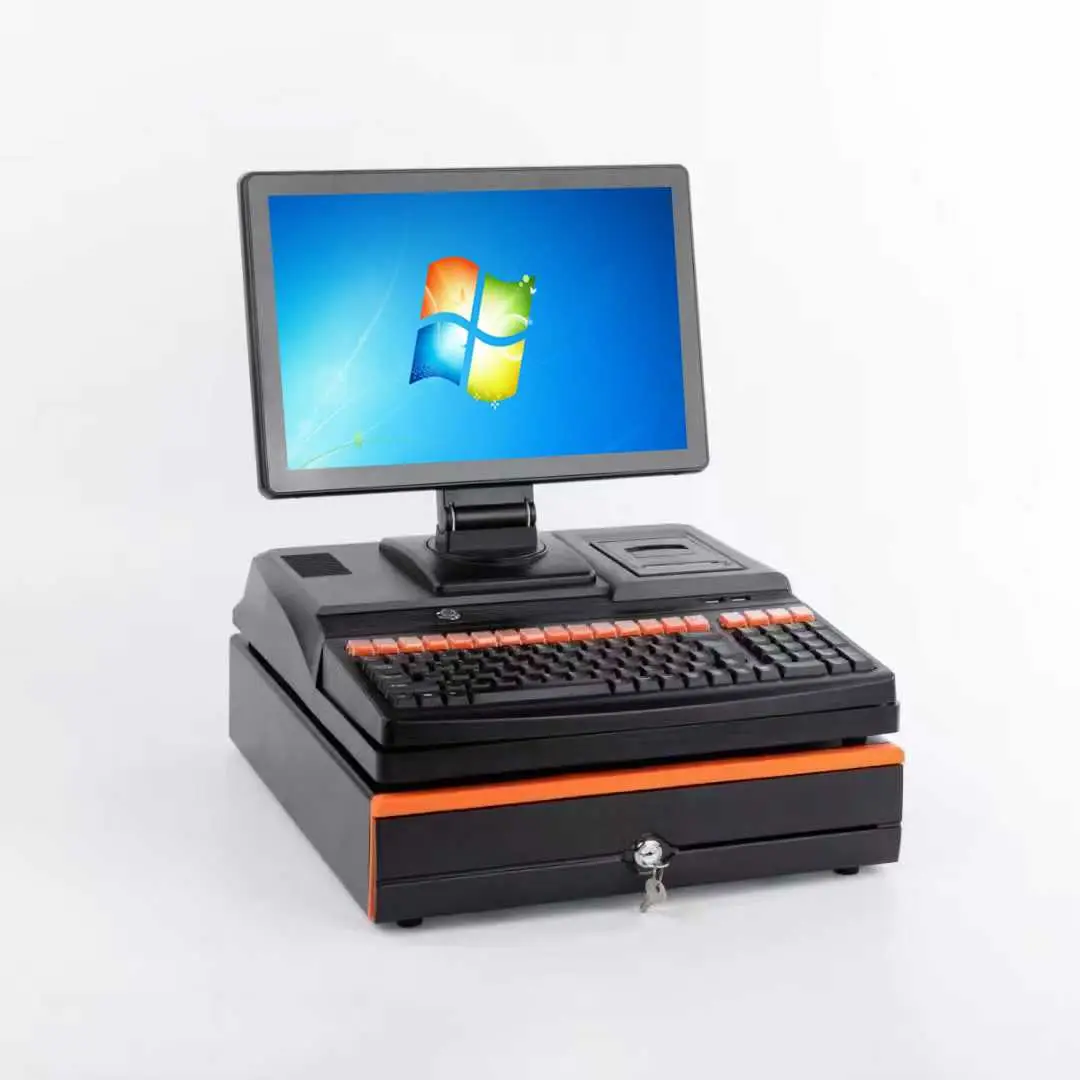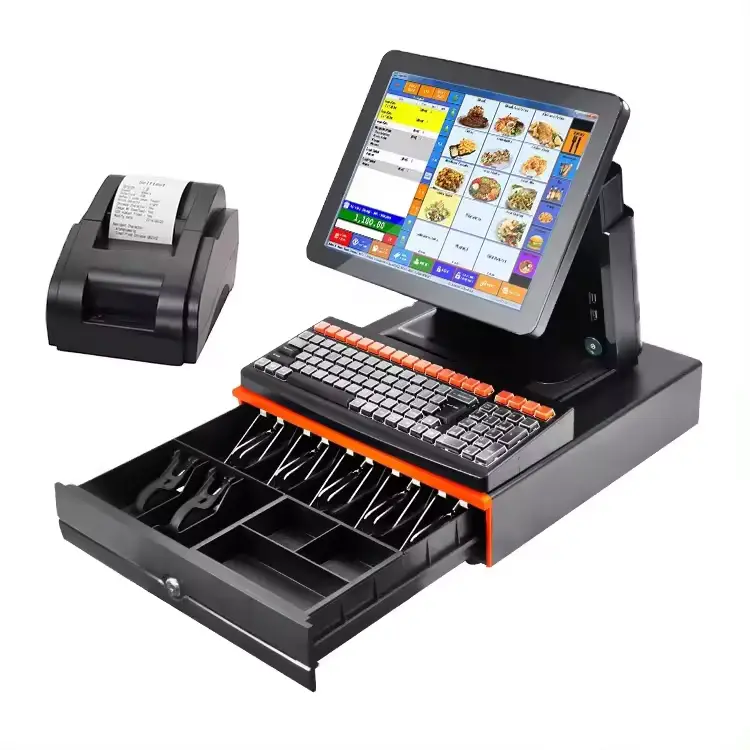

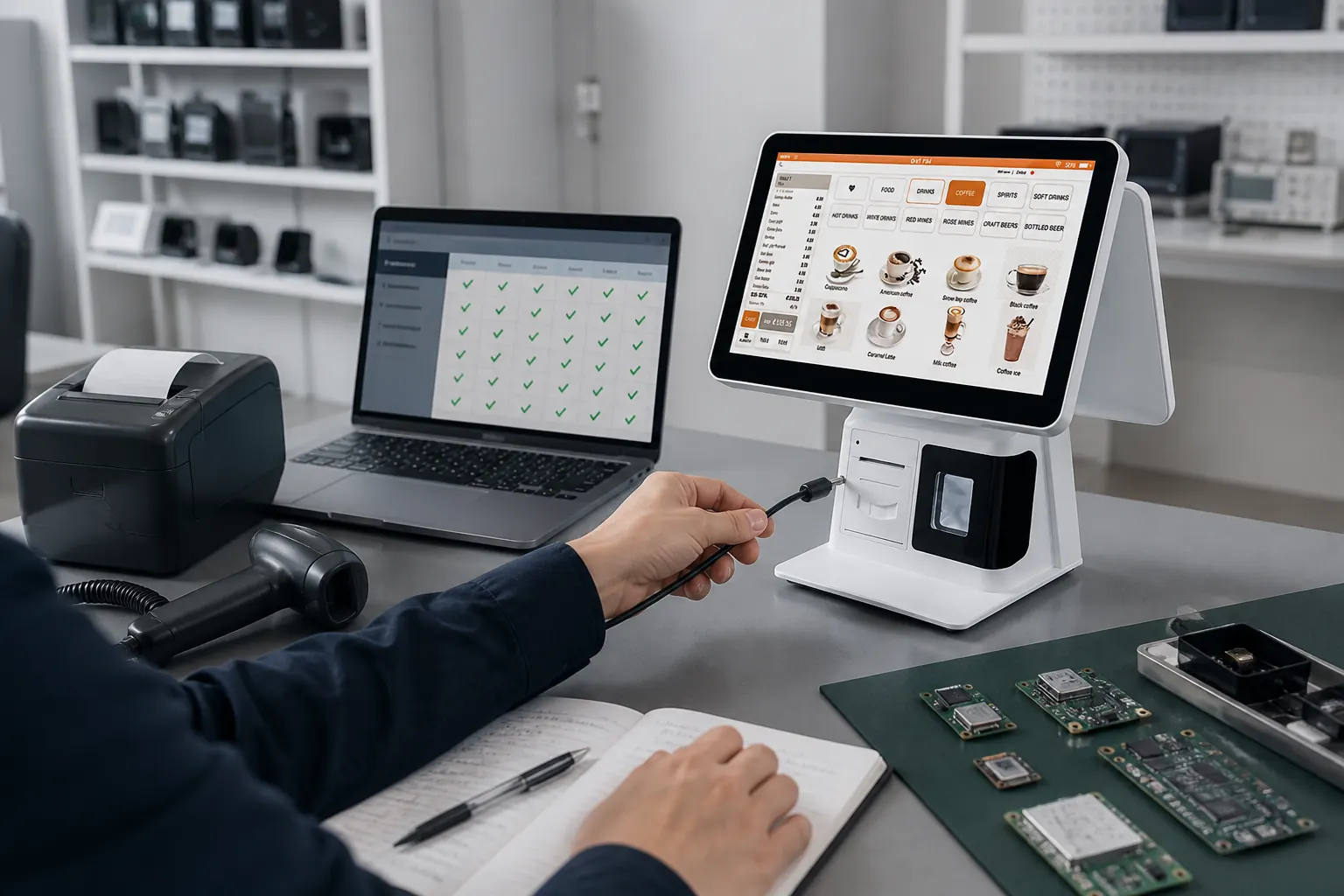
“Do you have Android or Windows?” is often the first question in a POS hardware inquiry. It should not be the last one.
For distributors, software companies and system integrators, the operating system affects application support, drivers, peripherals, remote management and long-term maintenance. A lower-priced configuration can become expensive if the software team has to rebuild integrations or if store installers discover missing interfaces.
The right comparison starts with the buyer’s application and deployment plan. Shenzhen PENPOS supplies POS hardware; the buyer, POS software provider or system integrator normally configures the application, payment service and back-office connection.
The Short Answer
Choose Windows when the existing POS application, drivers or peripheral environment requires Windows. Choose Android when the application is built and supported for the target Android environment and the buyer values a focused device setup.
Neither platform is automatically more professional. The professional choice is the platform that the software owner can support across the intended hardware life cycle.
Begin with the Software Provider's Requirements
Before comparing terminals, ask the software provider for a written hardware baseline:
- Supported operating system and version
- Processor architecture or minimum performance level
- Memory and storage requirement
- Required display resolution and orientation
- USB, COM, LAN, Bluetooth or other connections
- Printer, scanner, cash-drawer and customer-display drivers
- Local database or offline-operation needs
- Device-management or remote-support requirements
If these details are missing, use a sample unit to create them. Choosing hardware from a product photo and a processor name is not enough for a commercial rollout.
When Windows Is Usually the Practical Choice
Windows POS terminals are common in projects that already use desktop POS, ERP, inventory or hospitality applications. They may also suit integrations that depend on conventional Windows drivers or several wired peripherals.
Windows is often considered when:
- The application is supplied as Windows software
- Legacy serial devices must remain in service
- The solution uses Windows-specific printer or display drivers
- The buyer needs a familiar desktop support environment
- Local services or databases run on the terminal
- The integrator needs several USB, COM, LAN or display connections
The exact Windows version matters. A terminal that can run one version does not automatically meet the application’s driver, security or update policy. Confirm the supported image before ordering.
When Android Is Usually the Practical Choice
Android terminals can be suitable for focused POS applications designed for Android, especially when the buyer wants a controlled application environment rather than a general desktop setup.
Android is often considered when:
- The POS software company owns and supports an Android application
- The workflow needs a simple touch-first interface
- The application uses a defined set of peripherals
- Device settings and updates are managed by the software or integration team
- The project values a compact hardware and software stack
Ask for the exact Android version, processor platform and required Google services or APIs. “Android POS” is a category, not a compatibility guarantee.
A Public Restaurant Installation Offers a Useful Lesson
Partner Tech publicly describes installing an Android all-in-one POS terminal at a CHURCH’s Texas Chicken location in Ontario through a reseller. The useful lesson is not that Android is universally better for restaurants. It is that a restaurant deployment involved a hardware manufacturer, reseller and operating location working together around a defined platform.
Source: Partner Tech customer success story: Android POS installation in Canada.
This is a third-party case, not a PENPOS project claim. Buyers should still test their own application and peripheral set.
A Typical POS Software Company Scenario
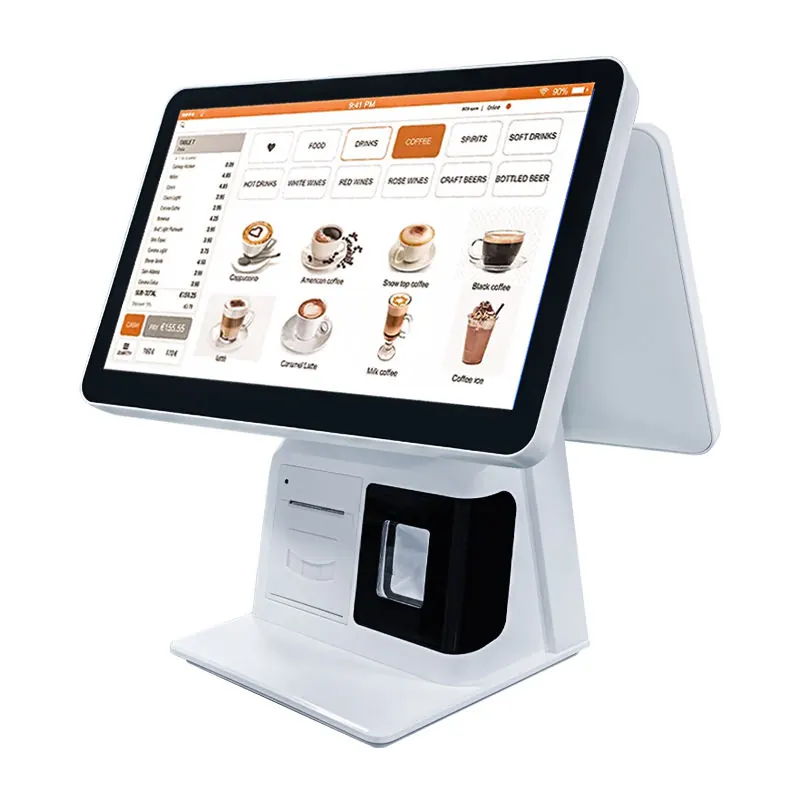
The following anonymized composite scenario reflects common B2B integration work and is not presented as a named PENPOS customer case.
A POS software company is preparing a hardware bundle for restaurants in two markets. Its newer ordering application runs on Android, but several existing customers still use a Windows back-office connector and serial receipt printers.
The first idea is to select one operating system for every customer. During technical review, that approach creates more work: the Android application would need additional peripheral validation for legacy sites, while the Windows application would be unnecessary for new touch-first deployments.
The project instead defines two controlled packages:
- Android package for the new application and confirmed USB peripherals
- Windows package for existing sites that depend on Windows services and legacy connections
Both packages use a written acceptance checklist. The buyer keeps responsibility for the software image and drivers, while the hardware quotation records the approved processor, memory, storage, display and ports. The lesson is not “buy both.” It is to avoid forcing an operating-system decision before the customer base is segmented.
Compare More Than the Operating System
Processor Platform
Software requirements should determine the processor level. Do not compare an entry Android configuration with a higher-performance Windows configuration and treat the price difference as an OS cost.
Memory and Storage
Confirm how much capacity the application, local data, logs and updates require. Storage type and write activity can matter in continuously used systems.
Interfaces
List every connected device. A terminal with many ports is not helpful if it lacks the correct port or driver. Check physical location as well: installers need access without bending cables sharply against the counter.
Touchscreen and Displays
Confirm screen size, resolution, touch behavior and whether a second display is extended, mirrored or controlled by the POS application. For customer-facing use, software support is as important as the physical screen.
Network and Device Management
Ask how the integrator will configure, update and support devices in different locations. Remote management is normally part of the buyer’s software or IT environment and should be tested with the selected hardware.
Build a Two-Platform Test Matrix
When both platforms remain possible, test them against the same workflow rather than debating general advantages. Use one pass/fail sheet for both samples and record:
- Application installation and login
- Startup and restart behavior
- Receipt-printer driver and layout
- Required barcode types on the scanner
- Cash-drawer trigger method
- Customer-display behavior
- Network interruption and recovery
- Software update procedure managed by the buyer
The winner is the platform with fewer unresolved project risks, not the one with the longest feature list.
Questions to Ask Before Requesting a Quote
Send the supplier:
- Your POS software name and supported OS version
- Target application: retail, restaurant, supermarket or another workflow
- Required processor, memory and storage
- Display and customer-display requirements
- Complete peripheral and interface list
- Expected sample and project quantities
- Destination country and plug type
- Logo or packaging request, if any
Compare PENPOS all-in-one POS terminal options and include the application requirements when asking for a configuration.
If the project includes a complete counter, also review thermal receipt printers and barcode scanners against the software driver’s requirements.
Sample Testing Is the Decision Gate
Use the buyer’s real software build, not a demonstration screen. Connect the intended printer, scanner, cash drawer and display. Test power cycles, network interruption, printing, scanning and normal store use.
If a payment terminal or payment application is part of the workflow, coordinate its certification and integration with the relevant payment provider. A POS hardware supplier should not imply payment compatibility without project-specific confirmation.
About Shenzhen PENPOS
Shenzhen PENPOS supplies touchscreen POS terminals, receipt printers, barcode scanners, cash drawers, POS scales, kiosk hardware and checkout accessories for overseas B2B buyers. Available Windows, Android, branding and peripheral options vary by model and should be confirmed during quotation.
To compare configurations, contact PENPOS or request a POS hardware quote with your software baseline, peripheral list, country and expected quantity.
Frequently Asked Questions
Is Android cheaper than Windows for every POS project?
No. Price depends on the complete processor, memory, storage, display, interfaces, licensing and accessories. Compare configurations that meet the same application requirements.
Can Windows POS software run on an Android terminal?
Not normally. The software provider must offer and support an Android version or another approved deployment method. Do not assume cross-platform compatibility.
Does an Android POS terminal include POS software?
Hardware and software are separate unless a quotation explicitly states otherwise. PENPOS is positioned as a hardware supplier, and the buyer or software partner normally provides the POS application.
Which platform is better for several peripherals?
The answer depends on available ports, drivers and application support. Windows often supports conventional peripheral environments, but a tested Android configuration can also support defined devices.
What should be tested on a sample?
Install the real application and test startup, touch, printing, scanning, cash-drawer control, customer display, network recovery and the buyer’s update process.