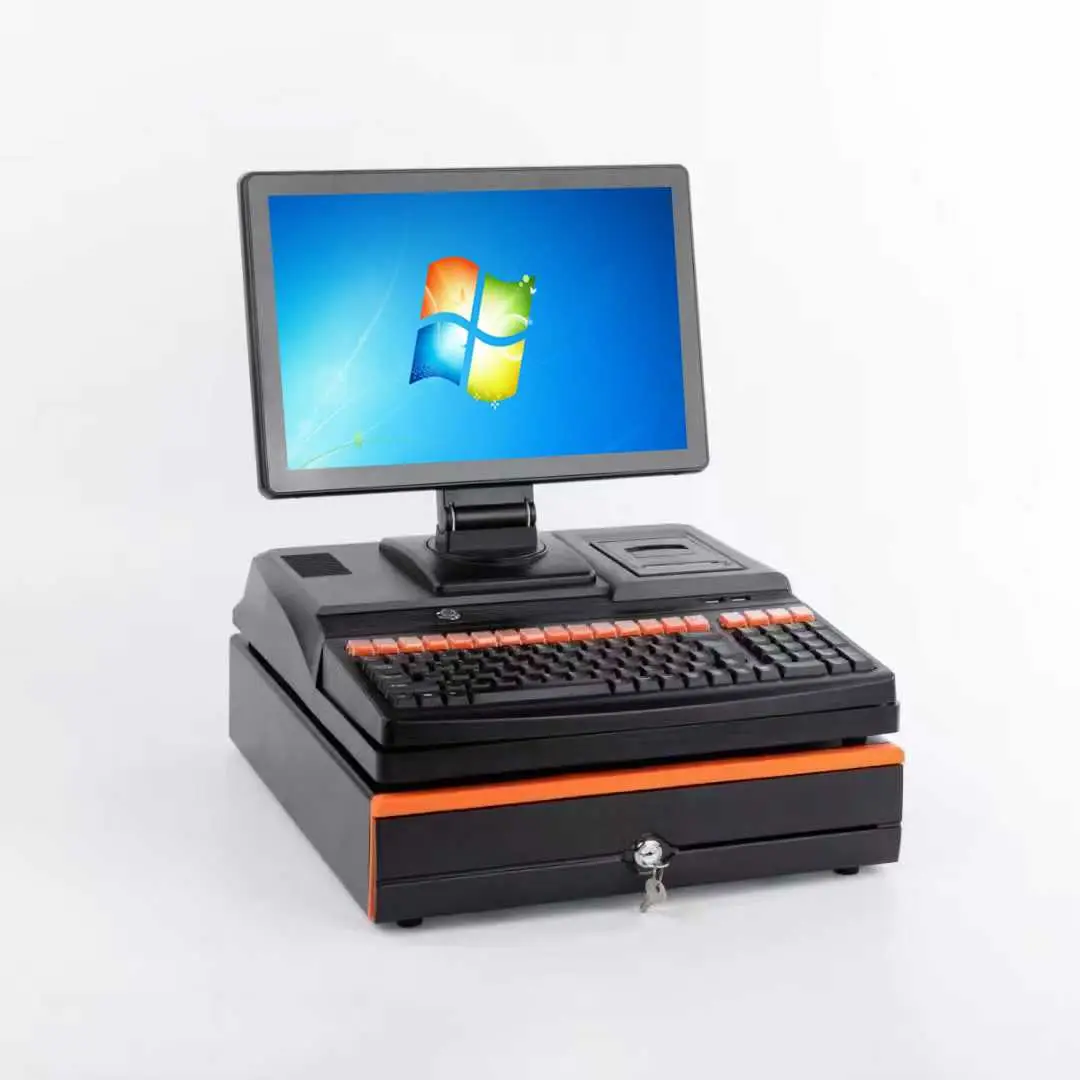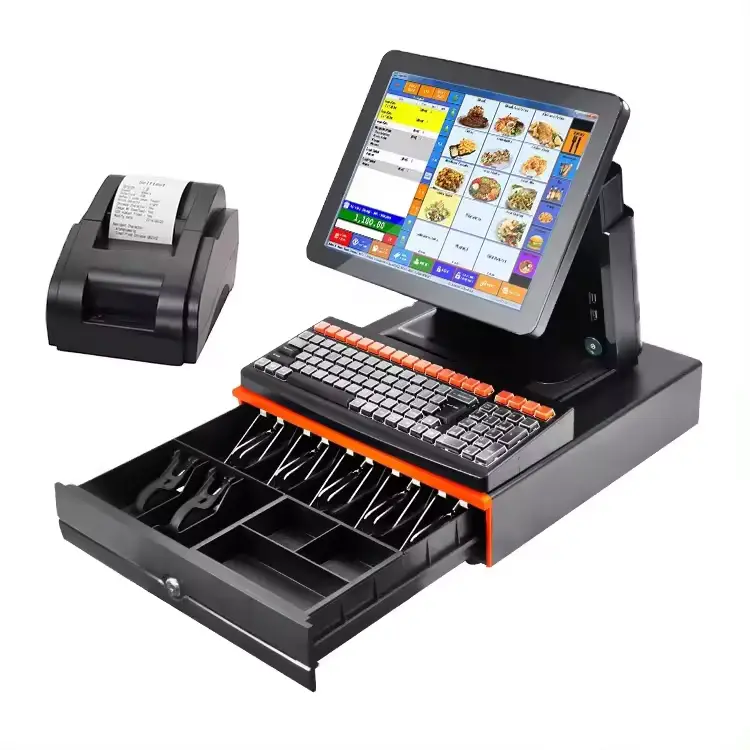

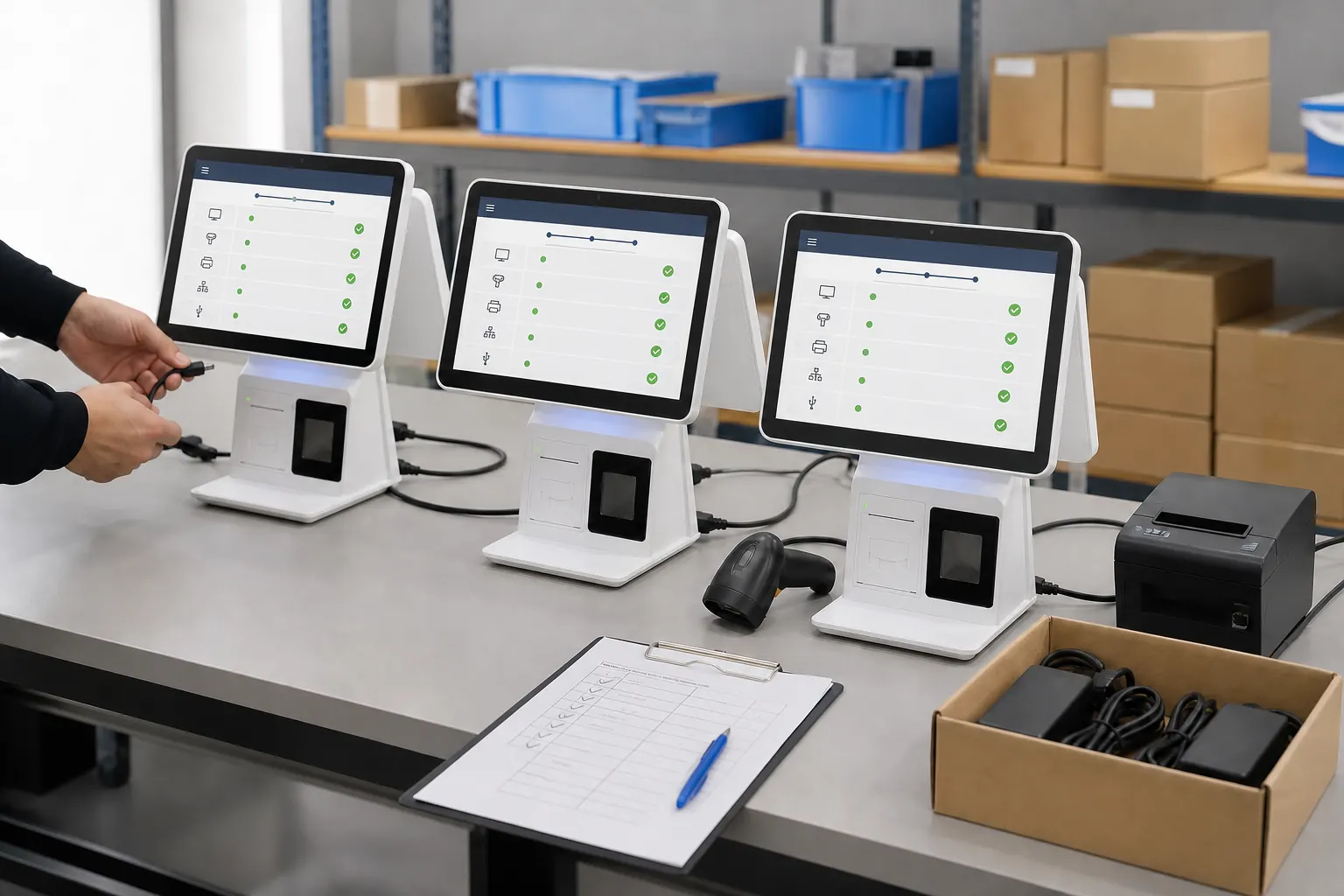
Buying one POS terminal is mainly a product decision. Preparing hardware for ten, fifty or several hundred checkout points is a deployment decision. The difference becomes visible when stores open the cartons: one terminal has a different port layout, a scanner needs another cable, or the software image behaves differently on a later batch.
For retail chains, distributors and system integrators, the practical goal is not simply to find a terminal that works. It is to create a repeatable hardware package that can be installed, supported and reordered without surprises.
This guide focuses on that preparation. Shenzhen PENPOS supplies POS terminals and peripherals; POS software, payment processing and store-network integration are normally handled by the buyer or its software and integration partners.
Why Multi-Store Projects Fail at the Small Details
A multi-store rollout usually has several stakeholders: a buyer, software company, installer, store operations team and hardware supplier. Each team may understand the project differently.
Typical gaps include:
- The quotation lists the processor and memory but not every required interface.
- The sample is tested with one printer while the rollout uses another.
- The customer display is approved visually but not tested with the POS application.
- Store counters have different cable routes or available space.
- The installer receives hardware without a unit-by-unit packing record.
- A later batch uses an alternative component without a new compatibility check.
None of these issues sounds dramatic during purchasing. Across many locations, however, a five-minute uncertainty at each counter becomes a long support queue.
Start with a Standard Store Hardware Map
Before discussing models, draw one checkout station as a hardware map. It should show the terminal, receipt printer, barcode scanner, cash drawer, customer display, scale and any other device connected to the station.
For every connection, record:
- Interface type, such as USB, serial, Ethernet or cash-drawer port
- Cable type and approximate length
- Power adapter and local plug requirement
- Driver or software dependency
- Mounting position and counter footprint
- Whether the device is essential or optional
This document becomes the common reference for the supplier, software team and installer. It is also more useful than a generic request for a “complete POS system,” because complete means different things in different stores.
Review available all-in-one POS terminals only after the store map is clear.
A Public Retail Case Shows Why Ports Matter
In a public POSBANK case study about an outdoor clothing retailer in South Africa, the checkout requirement included different barcode and handheld scanners for a large product assortment. The case identifies sufficient USB and COM connections, peripheral options and processing capacity as important deployment requirements. The lesson for other buyers is straightforward: peripheral planning should be completed before the terminal configuration is frozen, not after the units reach the stores.
Source: POSBANK case study: POS installation in South African outdoor clothing stores.
This is a third-party industry example, not a PENPOS customer claim. It is useful because it describes the same integration questions that often appear in retail hardware sourcing.
A Typical Distributor Project Scenario
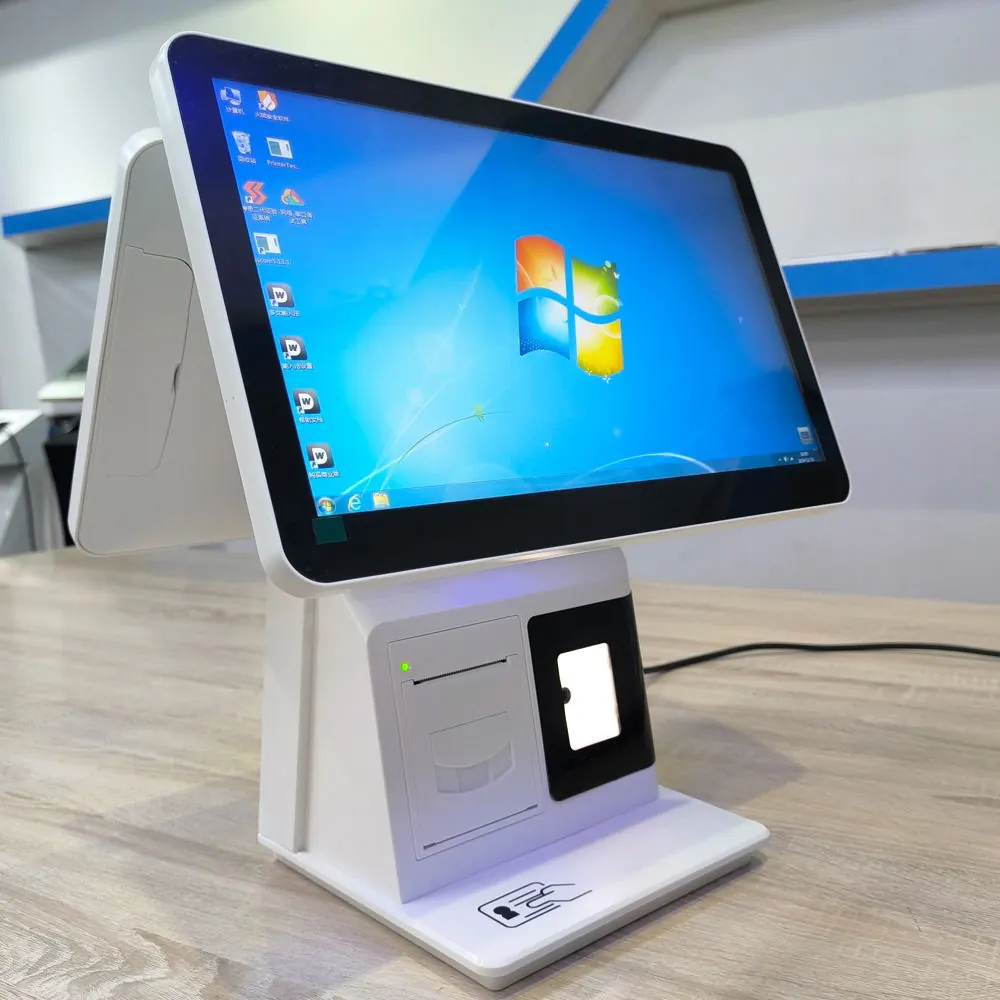
The following anonymized composite scenario is based on recurring B2B purchasing patterns. It is not presented as a named PENPOS customer case.
A regional distributor is preparing POS hardware for a group of convenience stores. The first request asks for “30 touch POS machines with printer and scanner.” During sample planning, the distributor discovers that some stores use a serial customer display, while others use a second LCD screen. The software company also needs a specific Windows environment and a fixed printer driver.
Instead of treating every counter as the same package, the project is divided into two approved kits:
- Standard counter: terminal, receipt printer, desktop scanner and cash drawer
- Customer-display counter: the same base kit plus the confirmed display and cable
One sample of each kit is tested with the buyer’s actual application. The approved configuration is then recorded with model names, interfaces, memory and storage, OS requirements, adapters and packing contents. The value of this process is not a dramatic performance claim. It is that purchasing, packing and installation are working from the same list.
Freeze the Approved Configuration
Once the sample passes the buyer’s tests, create a configuration freeze document. A useful record contains:
- Terminal model and external appearance
- Processor platform, memory and storage
- Operating-system requirement
- Touchscreen and customer-display option
- Port layout and enabled interfaces
- Printer and scanner models or compatibility references
- Power adapter and plug
- Logo, label and packaging requirements, if confirmed
- Approved sample date and project reference
If an item may vary by availability, discuss the substitution rule before ordering. A substitute should not be accepted only because it has a similar name. The buyer should confirm whether a change affects drivers, mounting, cables, power or software performance.
Test the Complete Checkout Workflow
A terminal can boot normally and still fail the project test. The sample test should follow the store’s real workflow:
- Start the terminal from a powered-off state.
- Launch the buyer’s POS application.
- Scan several barcode types used in the target market.
- Print test receipts with the required paper width and layout.
- Trigger the cash drawer through the intended connection.
- Confirm the customer display or second screen behavior.
- Check Ethernet, Wi-Fi or other network use required by the application.
- Repeat transactions and restart the system.
PENPOS can provide hardware options for discussion, but the software owner should verify application behavior, drivers and payment integration.
Plan Spare Units Without Guessing a Universal Ratio
There is no honest spare-unit percentage that fits every project. The right level depends on the number of stores, local service coverage, shipping time, repair process and cost of checkout downtime.
Ask practical questions instead:
- Can the distributor replace a terminal locally?
- Which components can store staff replace safely?
- How long does cross-border replenishment normally take?
- Are spare adapters, cables, printers or scanners more useful than complete terminals?
- Will returned units be consolidated for diagnosis?
For remote locations, a small local buffer may be more valuable than a lower unit price with no replacement plan.
Make Packing Easy for Installers
The best packing list is written for the person opening the carton at the store. It should state exactly what belongs to one counter and identify separately packed options.
Useful controls include:
- A carton label linked to the approved configuration
- A checklist of terminal, adapter, cables and peripherals
- Clear separation of country-specific plugs
- A record of serial numbers if required by the buyer
- Installation notes supplied by the buyer or integrator
- Photos of the approved packing arrangement
OEM labels and packaging may be discussed for suitable products and order conditions. Confirm availability for the selected model before quotation.
Keep the Reorder Process Consistent
A successful first shipment does not automatically guarantee a matching reorder. Before a repeat purchase, reference the original approved configuration and ask the supplier to flag any proposed change.
For a long-running distributor program, keep a simple revision history:
- Project configuration version
- Order date and quantity
- Approved changes
- New test required or not required
- Software image or driver version managed by the buyer
- Store or country destination
This record makes later quotations faster and reduces the chance that commercial names hide a hardware revision.
Information to Send for a Multi-Store Quote
For a useful quotation, send:
- Number of stores and checkout points
- Target country or countries
- POS software and required operating system
- Terminal performance requirements from the software provider
- Complete peripheral list and interfaces
- Customer-display requirement
- Sample schedule and rollout timing
- Standard or customized branding/packing request
- Spare-unit or spare-parts plan
You can compare PENPOS barcode scanners and thermal receipt printers while preparing the hardware map.
About Shenzhen PENPOS
Shenzhen PENPOS supplies POS terminals, receipt printers, barcode scanners, cash drawers, POS scales, kiosk hardware and related checkout equipment for overseas B2B buyers. Configuration, branding and packaging options depend on the selected product and project requirements. Software and payment integration should be confirmed with the buyer’s software provider or system integrator.
For a rollout discussion, contact PENPOS with your store count, software platform, hardware map and expected quantity.
Frequently Asked Questions
Should every store use exactly the same POS configuration?
A common base configuration makes support easier, but store layouts or workflows may require approved variants. Record each variant clearly instead of making informal changes during installation.
Is one sample enough for a multi-store rollout?
One sample may be enough when every checkout point has the same workflow. If the project has different customer displays, peripherals or operating environments, test each planned hardware kit.
Can PENPOS install the buyer's POS software?
PENPOS is positioned as a hardware supplier. Software installation or imaging must be discussed for the specific project, and compatibility remains subject to confirmation by the software provider and sample testing.
What details help keep repeat orders consistent?
Keep the approved model, processor platform, memory, storage, OS requirement, interfaces, peripheral list, adapters, labels and packing contents in one controlled configuration record.
Can OEM branding be used for a distributor project?
Branding options depend on the product, quantity and requested changes. Share the artwork and packaging requirements for confirmation before quotation.