
- Introduction
- What Is a Fast Food Self-Service Kiosk?
- Why Fast Food Restaurants Use Self-Service Kiosks
- Key Hardware Factors to Check Before Buying
- 1. Screen Size and Touch Experience
- 2. Operating System Compatibility
- 3. Printer, Scanner and Payment Device Integration
- 4. Floor-Standing vs Countertop Kiosk
- 5. Enclosure Design and Daily Durability
- 6. OEM / ODM and Branding Options
- 7. Quality Control and Sample Testing
- B2B Sourcing Process for Restaurant Kiosk Projects
- How PENPOS Supports Fast Food Kiosk Hardware Projects
- FAQ: Fast Food Self-Service Kiosk Hardware
- Summary
Introduction
Self-service ordering has become an important part of modern fast food, quick-service restaurant, cafe, food court, and chain store operations. For customers, a kiosk makes ordering more convenient. For restaurants, it can reduce counter pressure, improve order accuracy, and create a more consistent ordering process.
For B2B buyers, however, choosing a fast food self-service kiosk is not only about the screen size or appearance. A kiosk is commercial hardware that must work with ordering software, payment devices, receipt printers, network settings, store layout, and long daily operating hours.
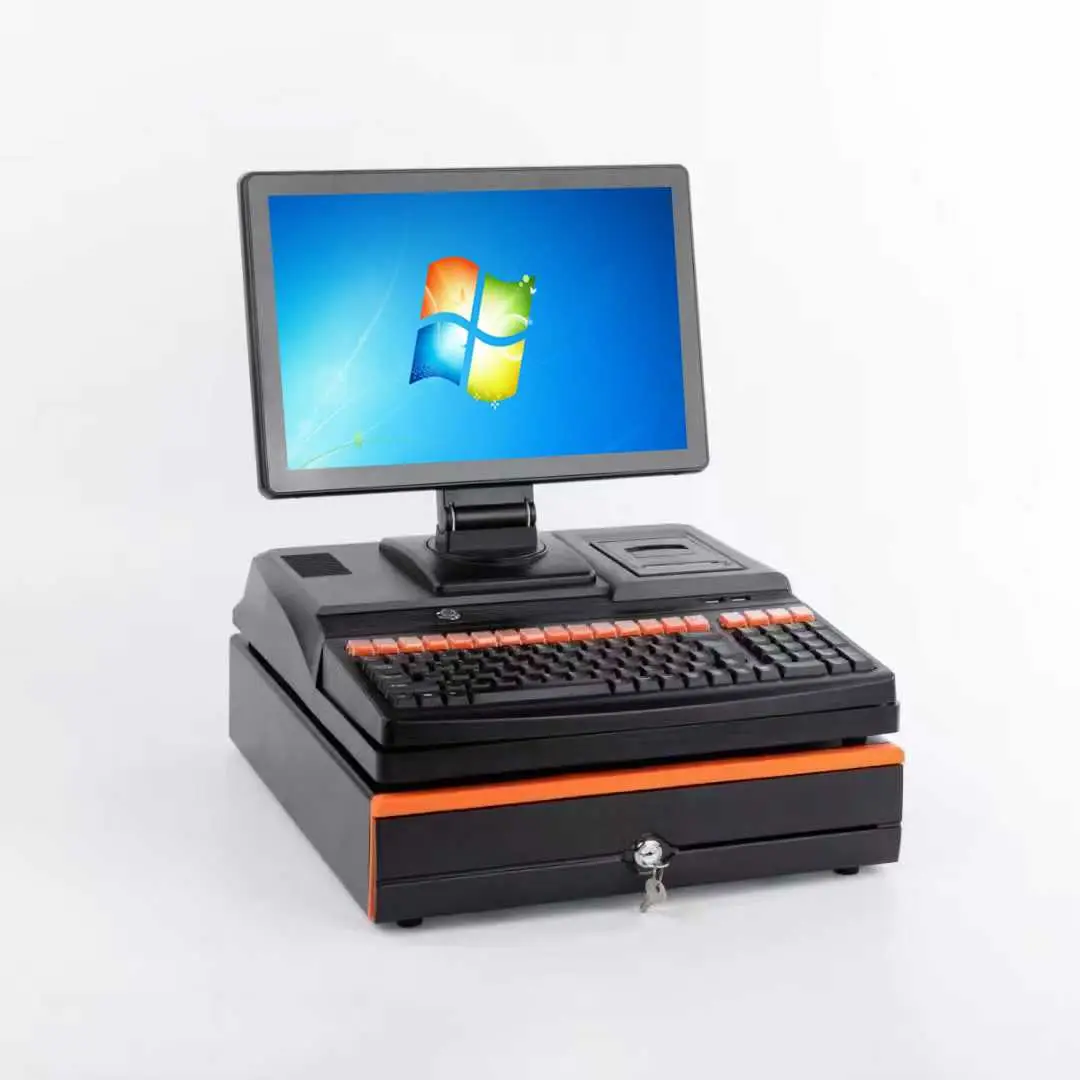
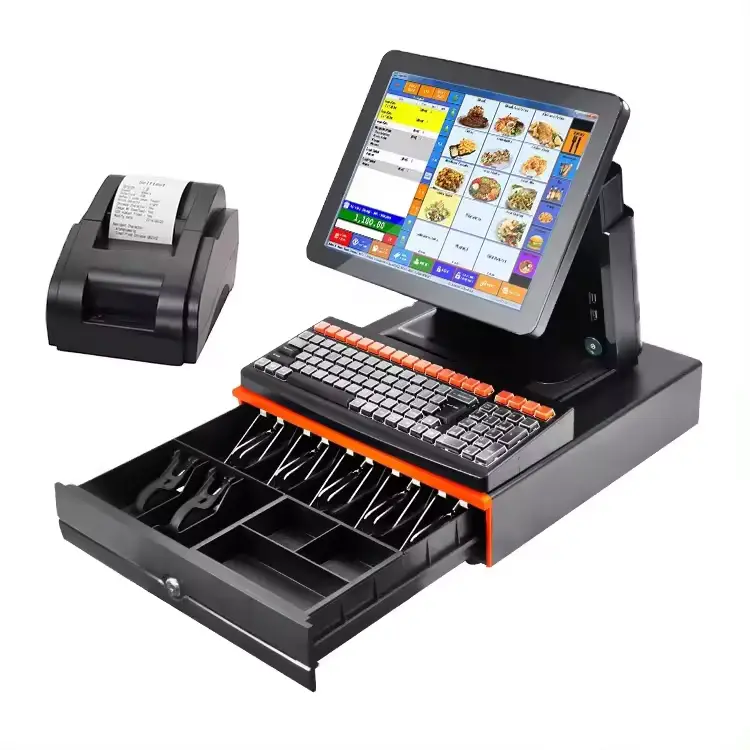
Shenzhen PENPOS provides B2B POS hardware solutions including self-service kiosks, touchscreen POS terminals, receipt printers, cash drawers, barcode scanners, POS scales, and checkout accessories. This guide explains what restaurant buyers, system integrators, POS software companies, and distributors should consider when sourcing kiosk hardware for fast food and restaurant projects.
What Is a Fast Food Self-Service Kiosk?
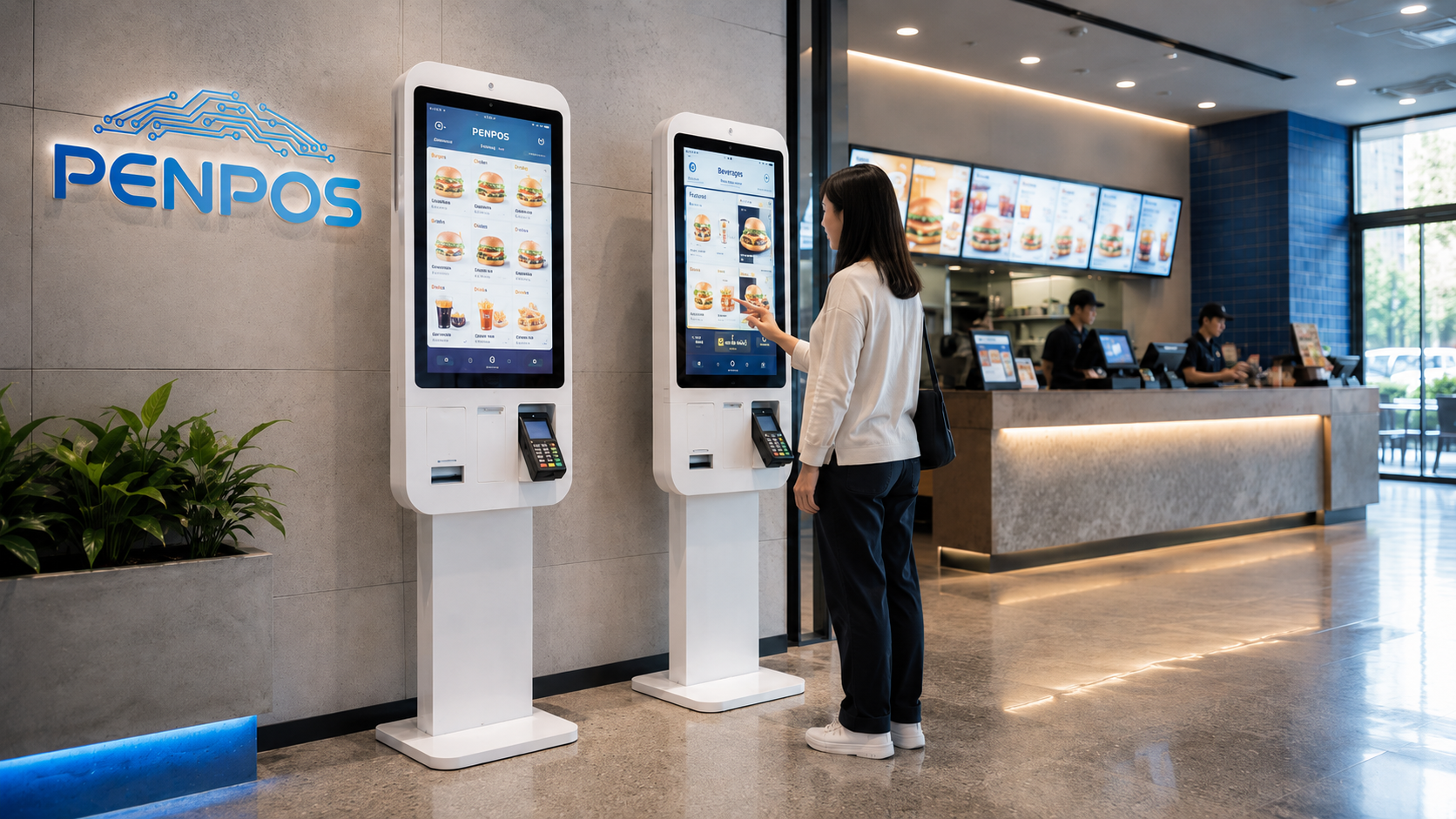
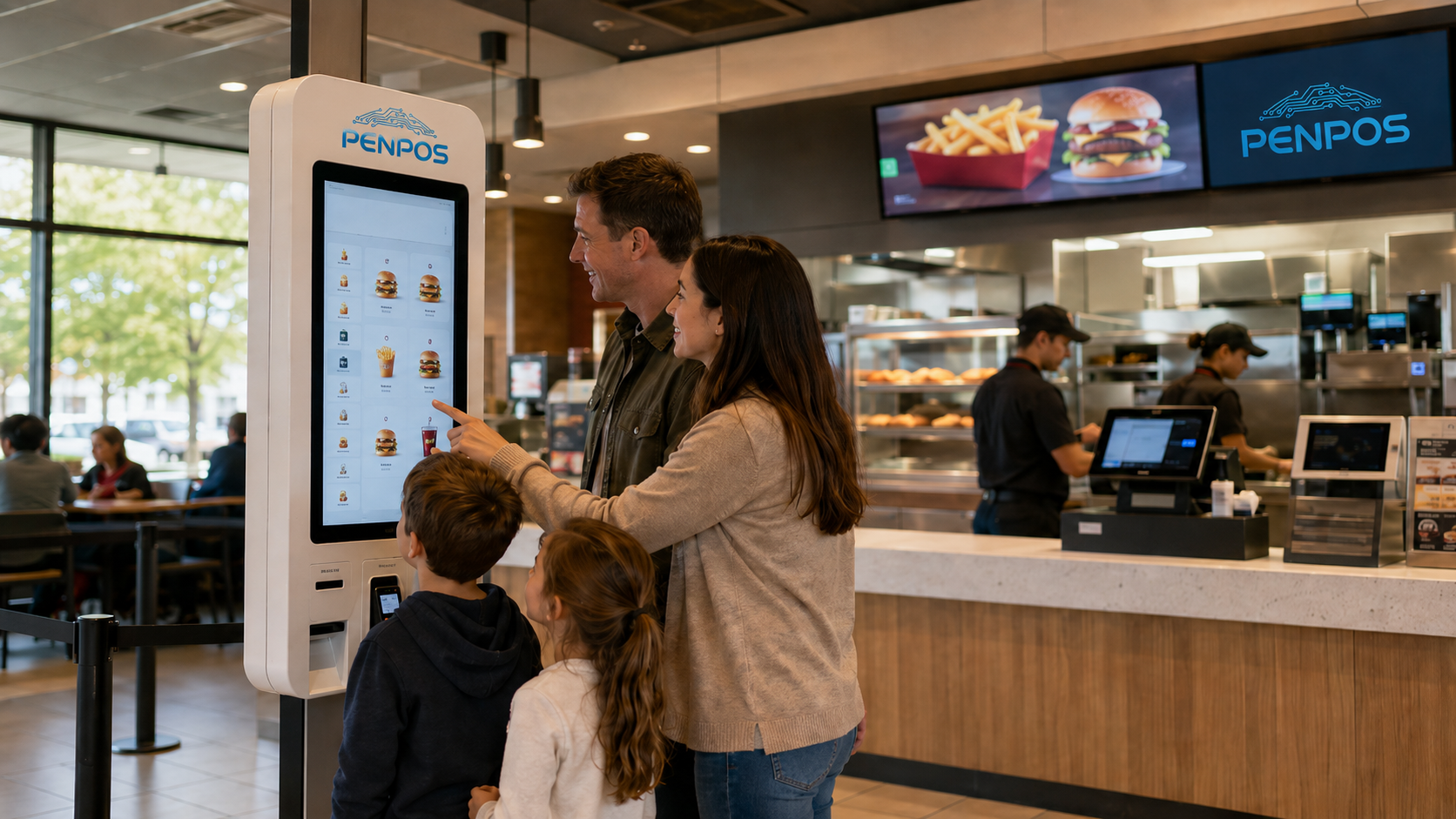
A fast food self-service kiosk is a touchscreen ordering terminal that allows customers to browse menu items, customize orders, place orders, and in some projects complete payment without waiting at the cashier counter.
- Touchscreen display
- Industrial computer or Android / Windows mainboard
- Receipt printer
- Scanner or QR code reader
- Payment terminal installation area
- Metal or plastic enclosure
- Floor-standing or countertop structure
- Network and power connection
In a restaurant environment, the kiosk is usually connected with the POS system, kitchen workflow, and order management software. The hardware itself must be stable, easy to clean, and suitable for high-frequency public use.
Why Fast Food Restaurants Use Self-Service Kiosks
Fast food restaurants and QSR chains often face the same operational problems: long queues, limited cashier capacity, order mistakes, and pressure during lunch or dinner peaks. A self-service kiosk can help create a smoother ordering process.
- Faster customer ordering
- Reduced cashier workload
- Clearer menu display
- Better upsell opportunities
- More consistent ordering process
- Support for multiple languages
- Integration with POS and kitchen workflow
For B2B distributors and system integrators, kiosk hardware also creates project opportunities. A complete restaurant solution may include kiosks, POS terminals, kitchen displays, receipt printers, cash drawers, and barcode scanners.
Key Hardware Factors to Check Before Buying
When choosing fast food self-service kiosk hardware, B2B buyers should evaluate more than appearance. The following factors directly affect deployment reliability and long-term maintenance.
1. Screen Size and Touch Experience
The touchscreen is the main interface between the customer and the restaurant. For fast food ordering, the screen should be large enough to display menu items, images, order details, and payment instructions clearly.
- Screen size
- Brightness
- Touch sensitivity
- Viewing angle
- Anti-glare surface
- Durability of front glass
For indoor fast food restaurants, cafes, and food courts, a clear and responsive touchscreen is usually more important than extremely high brightness. If the kiosk is placed near windows or strong lighting, anti-glare design may be useful.
2. Operating System Compatibility
Different restaurant software platforms may require different operating systems. Some projects use Android, while others require Windows. Before confirming hardware, buyers should check the software requirements with their POS software provider.
- Does the software require Android or Windows?
- What processor and memory are recommended?
- Is the screen resolution compatible?
- Does the software need special drivers?
- Can the system support receipt printer and scanner integration?
Shenzhen PENPOS focuses on hardware supply. For software deployment, system integrators or POS software companies should confirm compatibility before placing bulk orders.
3. Printer, Scanner and Payment Device Integration
A restaurant kiosk is rarely just a screen. Many projects require receipt printing, QR code scanning, membership code reading, or payment terminal installation.
- Built-in or external receipt printer
- QR code scanner
- Barcode scanner
- NFC or card reader area
- Payment terminal bracket
- USB / LAN / COM port connection
- Easy access for paper replacement
For system integrators, hardware layout is very important. A good kiosk design should allow staff to replace printer paper, access ports, and maintain peripherals without complicated disassembly.
4. Floor-Standing vs Countertop Kiosk
Fast food restaurants may choose different kiosk formats depending on store size and customer flow.
Floor-Standing Kiosk
A floor-standing kiosk is suitable for restaurants with enough entrance or ordering area space. It gives customers a clear ordering point and can be installed as part of a self-service ordering zone.
- QSR chains
- Food courts
- Large cafes
- Stadium concession areas
- Shopping mall restaurants
Countertop Kiosk
A countertop kiosk is smaller and easier to place on an existing counter. It may be suitable for cafes, small restaurants, dessert shops, and takeaway counters.
- Small restaurants
- Coffee shops
- Bakery shops
- Limited-space counters
- Pilot projects
For B2B buyers, the right format depends on store layout, customer traffic, installation method, and service model.
5. Enclosure Design and Daily Durability
Fast food kiosks are used by many customers every day. The enclosure should be stable, easy to clean, and strong enough for commercial use.
- Stable base structure
- Clean front panel design
- Easy-to-wipe surface
- Good cable management
- Secure internal component layout
- Ventilation and heat control
- Strong screen frame
Restaurant environments may include grease, dust, humidity, vibration, and frequent hand contact. Hardware designed for commercial use is more suitable than consumer-grade tablets or general office displays.
6. OEM / ODM and Branding Options
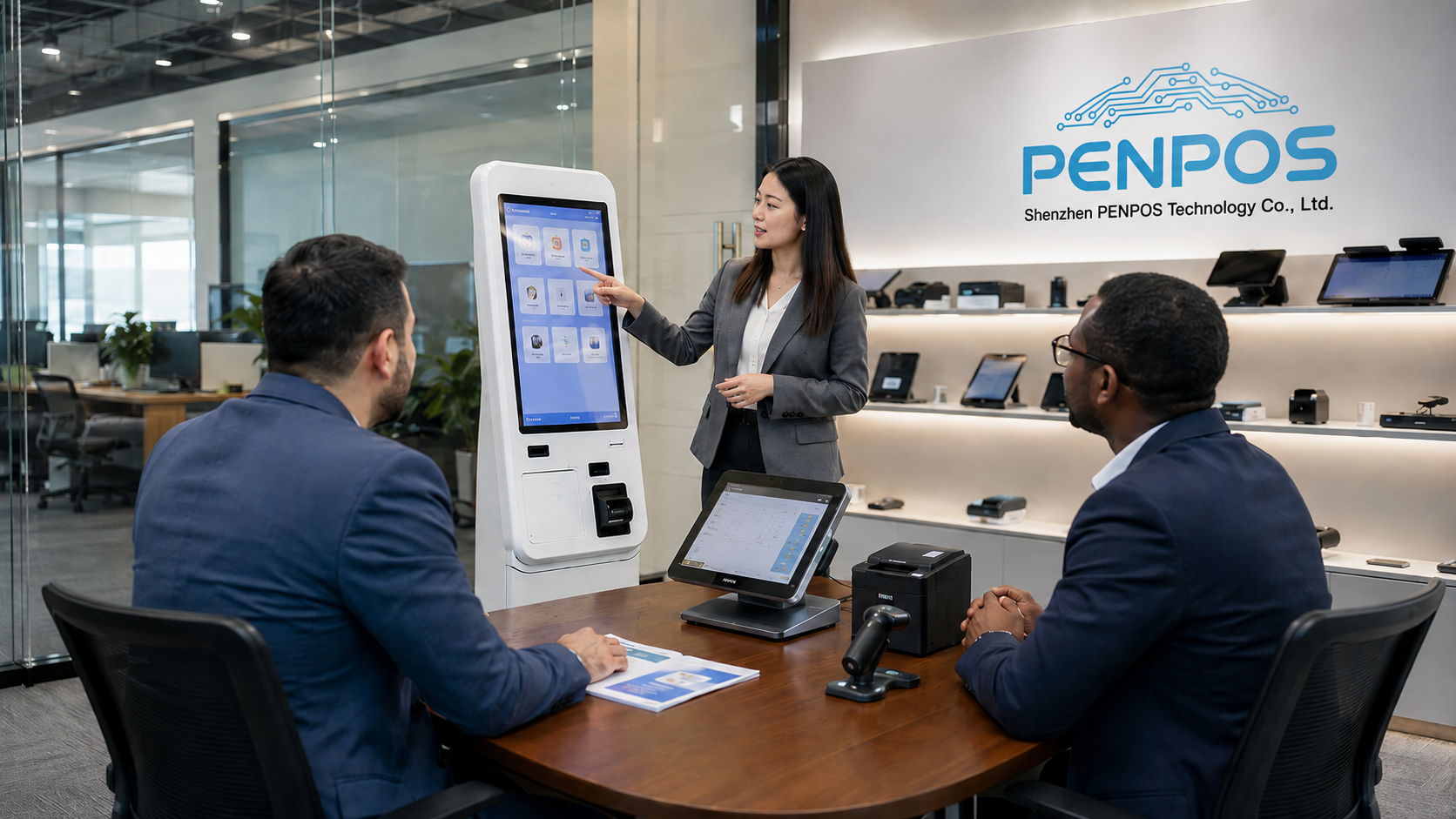
Distributors, software companies, and chain restaurant projects often need more than standard products. They may require custom appearance, logo placement, peripheral configuration, packaging, or project-specific hardware matching.
- Logo placement
- Color adjustment
- Screen size selection
- Printer and scanner configuration
- Payment terminal bracket design
- Packaging customization
- Pre-installation support
- Sample confirmation
For B2B buyers, the most important step is to confirm what can be customized and what requires minimum order quantity or engineering time.
7. Quality Control and Sample Testing
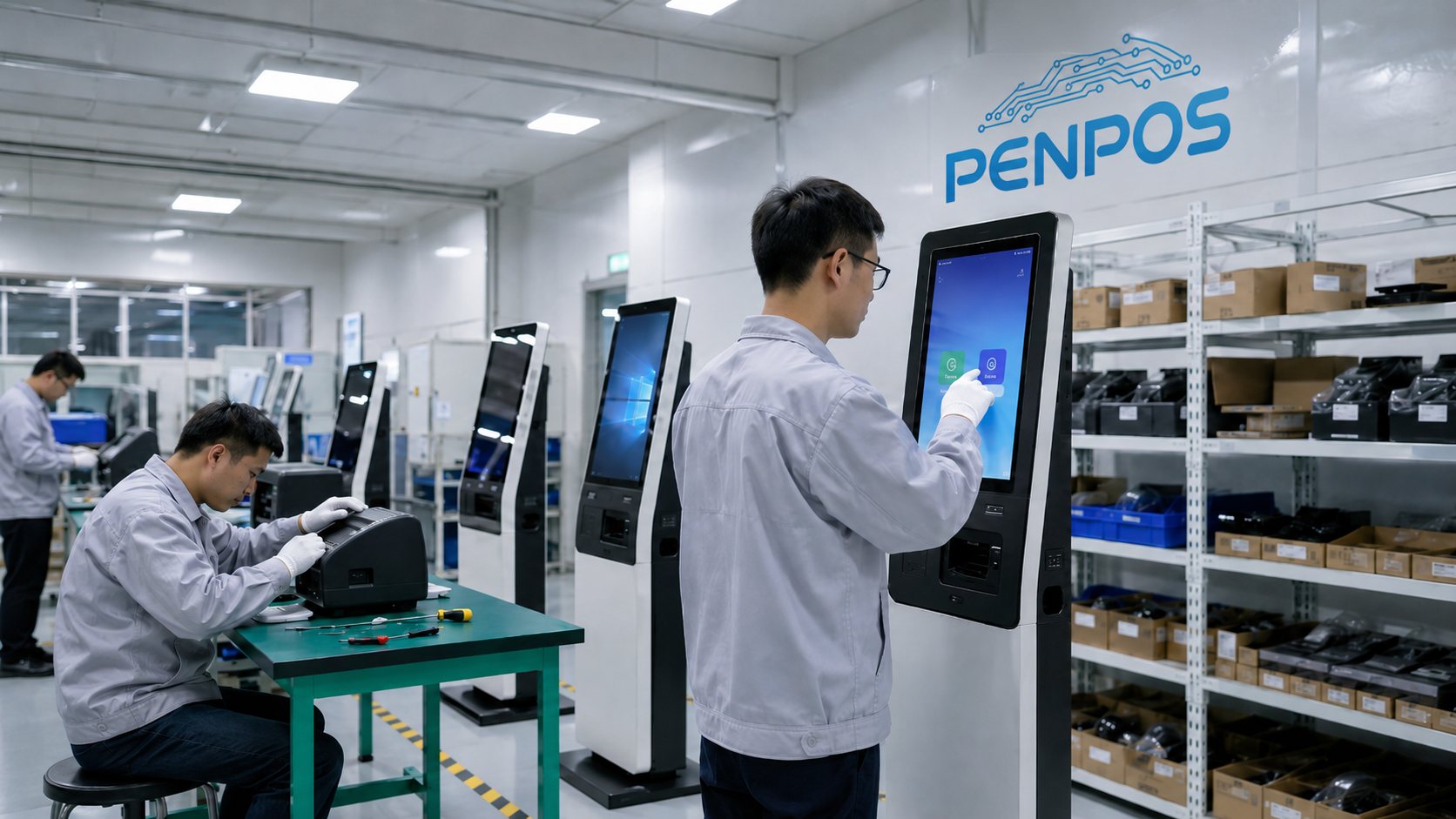
Before placing a large order, buyers should test samples under real conditions. A sample is not only for checking appearance. It should also be used to test software, touch response, printer function, scanner performance, network connection, and installation requirements.
- Power-on stability
- Touchscreen response
- Software compatibility
- Printer paper loading
- Scanner recognition
- Network connection
- Heat performance
- Housing quality
- Packaging protection
For multi-store deployment, sample testing can reduce project risk before mass production.
B2B Sourcing Process for Restaurant Kiosk Projects
A professional kiosk sourcing process should be structured. This helps prevent specification mistakes, delivery delays, and communication problems.
- Define project requirements
- Confirm target software and operating system
- Choose kiosk format and screen size
- Confirm printer, scanner and payment device needs
- Request quotation and sample options
- Test sample with actual software
- Confirm packaging and branding
- Approve bulk order
- Arrange inspection and shipment
- Prepare after-sales support plan
This process is especially useful for distributors, POS software companies, system integrators, and restaurant groups planning multiple installations.
How PENPOS Supports Fast Food Kiosk Hardware Projects
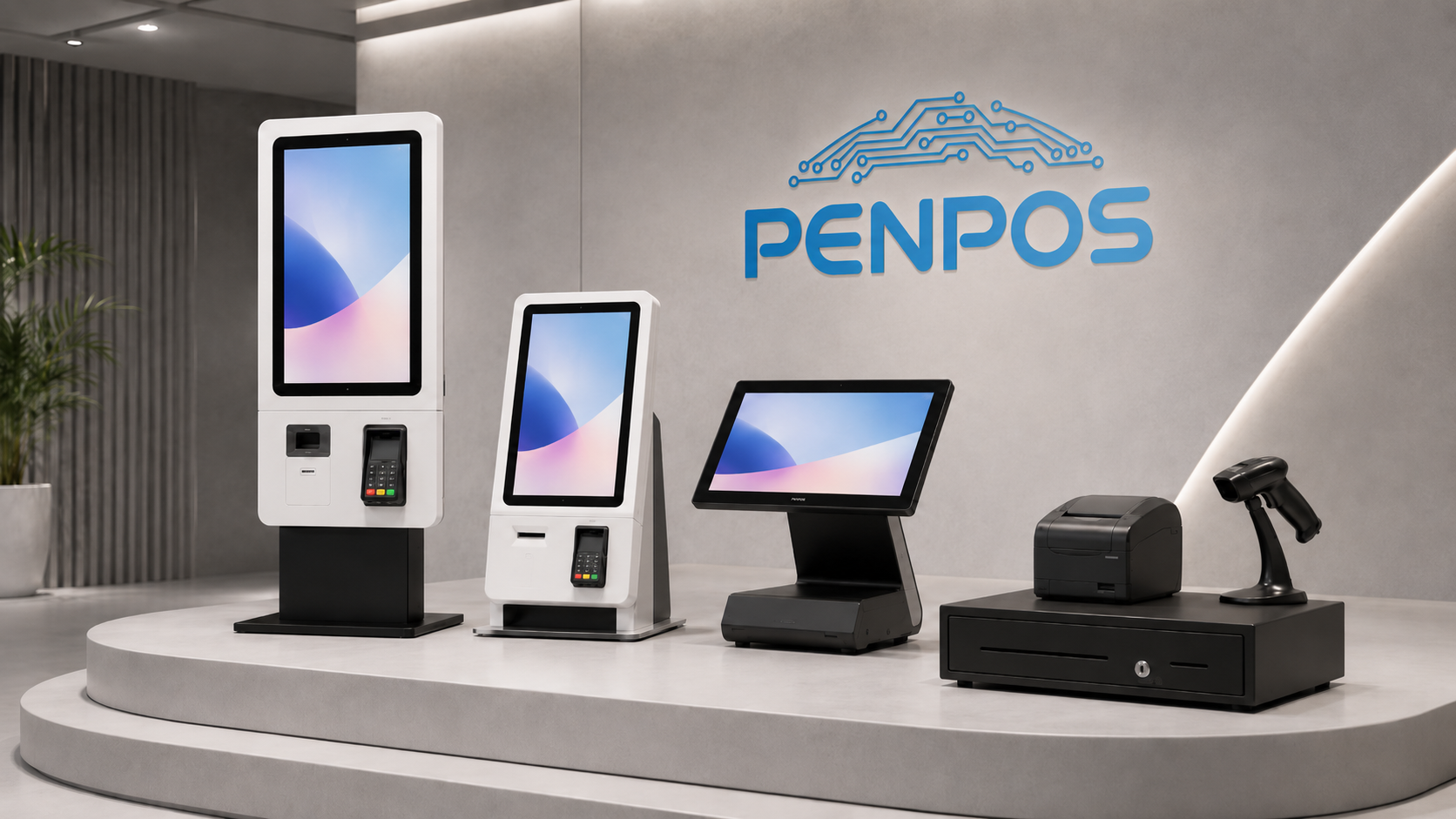
Shenzhen PENPOS provides POS hardware for retail, restaurant, supermarket, and self-service projects. For fast food and QSR applications, PENPOS can support hardware sourcing for:
- Self-service ordering kiosks
- Touchscreen POS terminals
- Receipt printers
- Cash drawers
- Barcode scanners
- POS scales
- Checkout accessories
- Restaurant hardware bundles
PENPOS works as a B2B hardware supplier. This means the company focuses on reliable hardware options, product configuration, sample communication, and project-based supply. Software integration and application development are usually handled by POS software companies or system integrators.
For buyers who need a complete restaurant hardware package, sourcing POS terminals, printers, scanners, drawers, and kiosks from one supplier can make project communication easier.
FAQ: Fast Food Self-Service Kiosk Hardware
What is a fast food self-service kiosk?
A fast food self-service kiosk is a touchscreen ordering terminal that allows customers to browse the menu, place orders, and sometimes complete payment without cashier assistance.
Is a self-service kiosk the same as a POS terminal?
No. A POS terminal is usually used by staff for checkout and order entry. A self-service kiosk is used by customers. However, both can be part of the same restaurant POS ecosystem.
Can kiosk hardware support different POS software?
It depends on the operating system, processor, ports, drivers, and software requirements. Buyers should confirm compatibility with their POS software provider before bulk orders.
Does PENPOS provide kiosk software?
PENPOS focuses on POS hardware supply. Software is usually provided by POS software companies, restaurant solution providers, or system integrators.
What products can be used together with a kiosk?
A kiosk can be used with touchscreen POS terminals, receipt printers, barcode scanners, cash drawers, kitchen display systems, and order management software.
Who should buy fast food kiosk hardware from a B2B supplier?
Typical buyers include restaurant chains, food court operators, POS software companies, system integrators, equipment distributors, and B2B resellers.
Summary
Choosing fast food self-service kiosk hardware is a B2B procurement decision, not just a product purchase. Buyers need to consider screen performance, operating system compatibility, peripheral integration, enclosure durability, OEM options, sample testing, and long-term support.
For restaurant and QSR projects, the best hardware setup often includes more than a single kiosk. A complete solution may combine self-service kiosks, touchscreen POS terminals, receipt printers, scanners, cash drawers, and kitchen workflow hardware.
Shenzhen PENPOS provides B2B POS hardware solutions for restaurant, retail, supermarket, distributor, and system integration projects. For buyers looking for practical self-service kiosk hardware and related POS devices, PENPOS can support product sourcing, sample discussion, and project-based quotation.
About Shenzhen PENPOS
Shenzhen PENPOS is a B2B POS hardware supplier providing self-service kiosks, touchscreen POS terminals, POS scales, receipt printers, cash drawers, barcode scanners, and checkout accessories for retail, restaurant, supermarket, distributor, and system integration projects.
Website: https://www.penpostech.com/
Email: info@penpostech.net
WhatsApp: +86 186 6446 3674