
- What Does KDS Mean?
- How a Kitchen Display System Works
- Why Restaurants Use KDS Instead of Paper Tickets
- KDS vs Kitchen Printer: What Is the Difference?
- Key Hardware Needed for a KDS Setup
- What B2B Buyers Should Consider When Choosing KDS Hardware
- How PENPOS Supports Restaurant POS Hardware Projects
- FAQ: Kitchen Display System Hardware
- Summary
For modern restaurants, quick-service chains, cafés, food courts, and takeaway businesses, order speed and kitchen accuracy directly affect customer experience. A Kitchen Display System, often called a KDS, helps restaurant teams replace paper tickets with a digital order screen that receives, organizes, and tracks orders in real time.
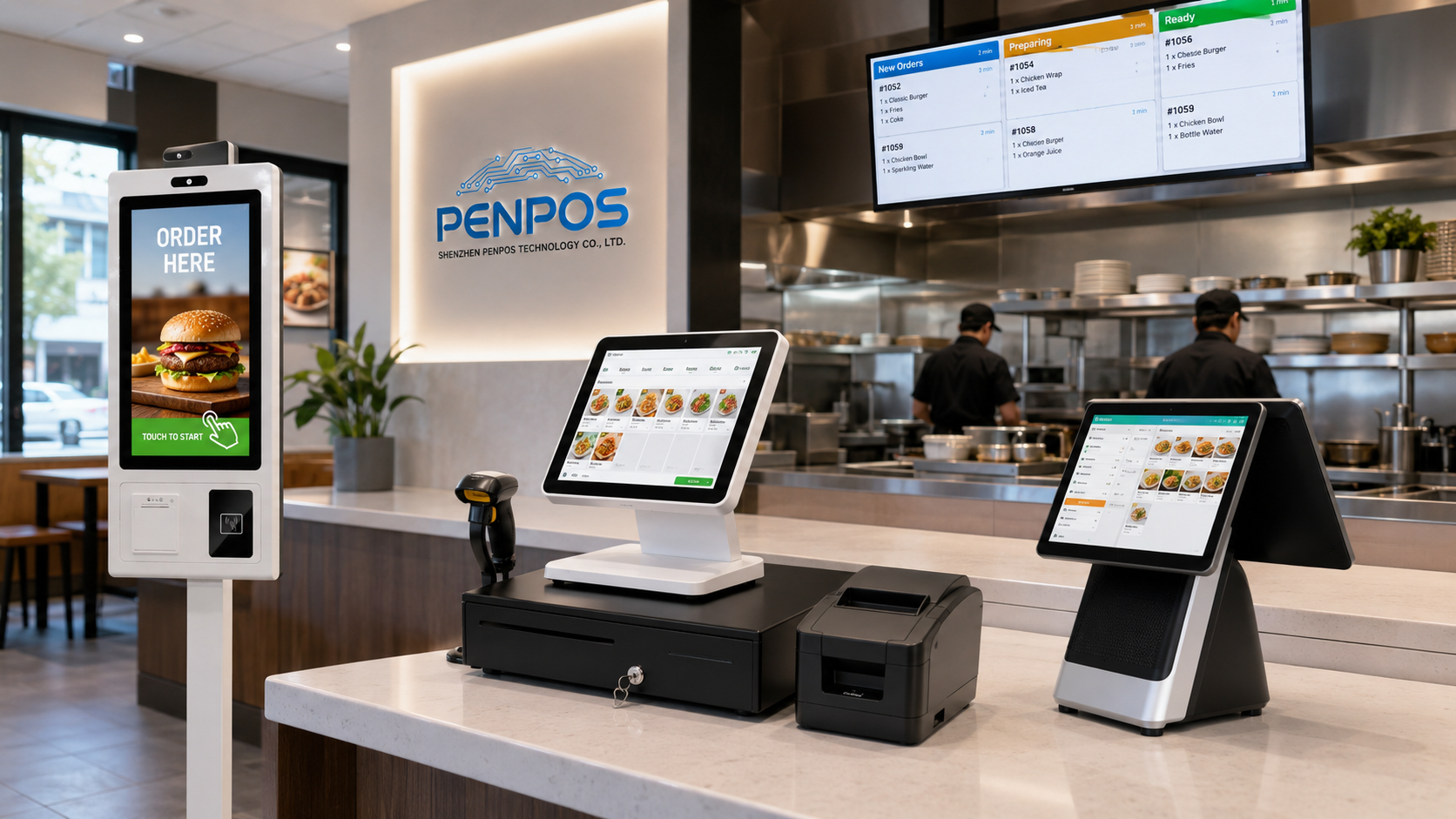
For B2B buyers, POS software companies, system integrators, and restaurant equipment distributors, KDS hardware is not only a screen. It is part of a complete restaurant technology workflow that connects the POS terminal, self-service kiosk, receipt printer, kitchen display, and order preparation stations.
Shenzhen PENPOS provides B2B POS hardware solutions including touchscreen POS terminals, POS scales, receipt printers, cash drawers, barcode scanners, and self-service kiosk hardware. For restaurant and hospitality projects, PENPOS hardware can support different checkout, ordering, and kitchen workflow scenarios when configured with suitable POS or KDS software by system integrators and software partners.
What Does KDS Mean?
KDS stands for Kitchen Display System. It is a digital screen or touchscreen device used in commercial kitchens to display food orders received from the POS system or self-service ordering system.
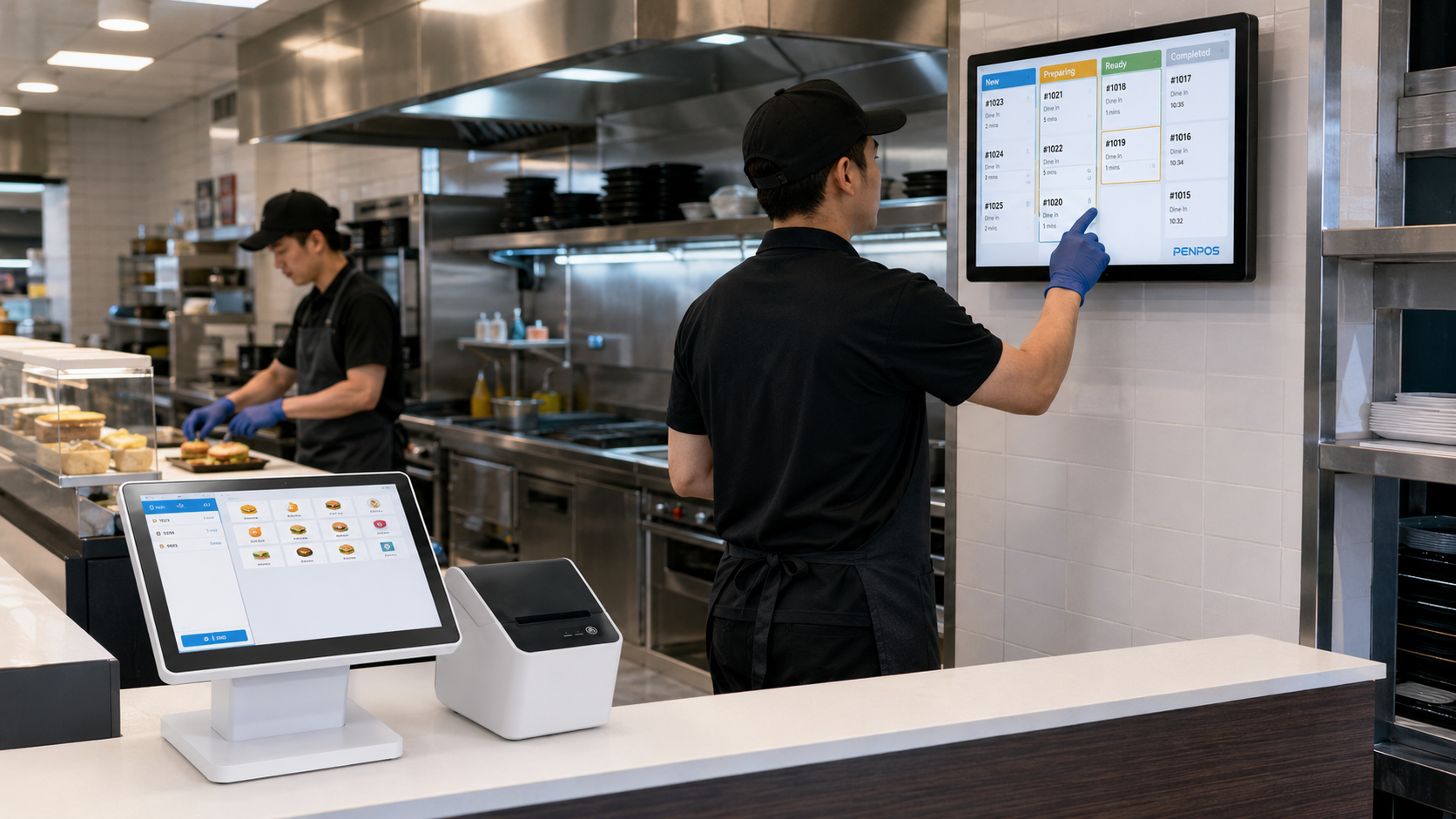
Instead of printing paper tickets for every order, a KDS allows kitchen staff to view each order on a screen. Orders can be grouped by station, marked as completed, and monitored by preparation time. This makes the kitchen workflow more organized, especially during busy lunch, dinner, or delivery periods.
A typical KDS setup is used in:
- Quick-service restaurants
- Fast casual restaurants
- Cafés and beverage shops
- Cloud kitchens
- Food courts
- Hotel kitchens
- Chain restaurants
- Takeaway and delivery kitchens
How a Kitchen Display System Works
A KDS connects the front-of-house ordering system with the back-of-house kitchen team. The basic workflow is simple.
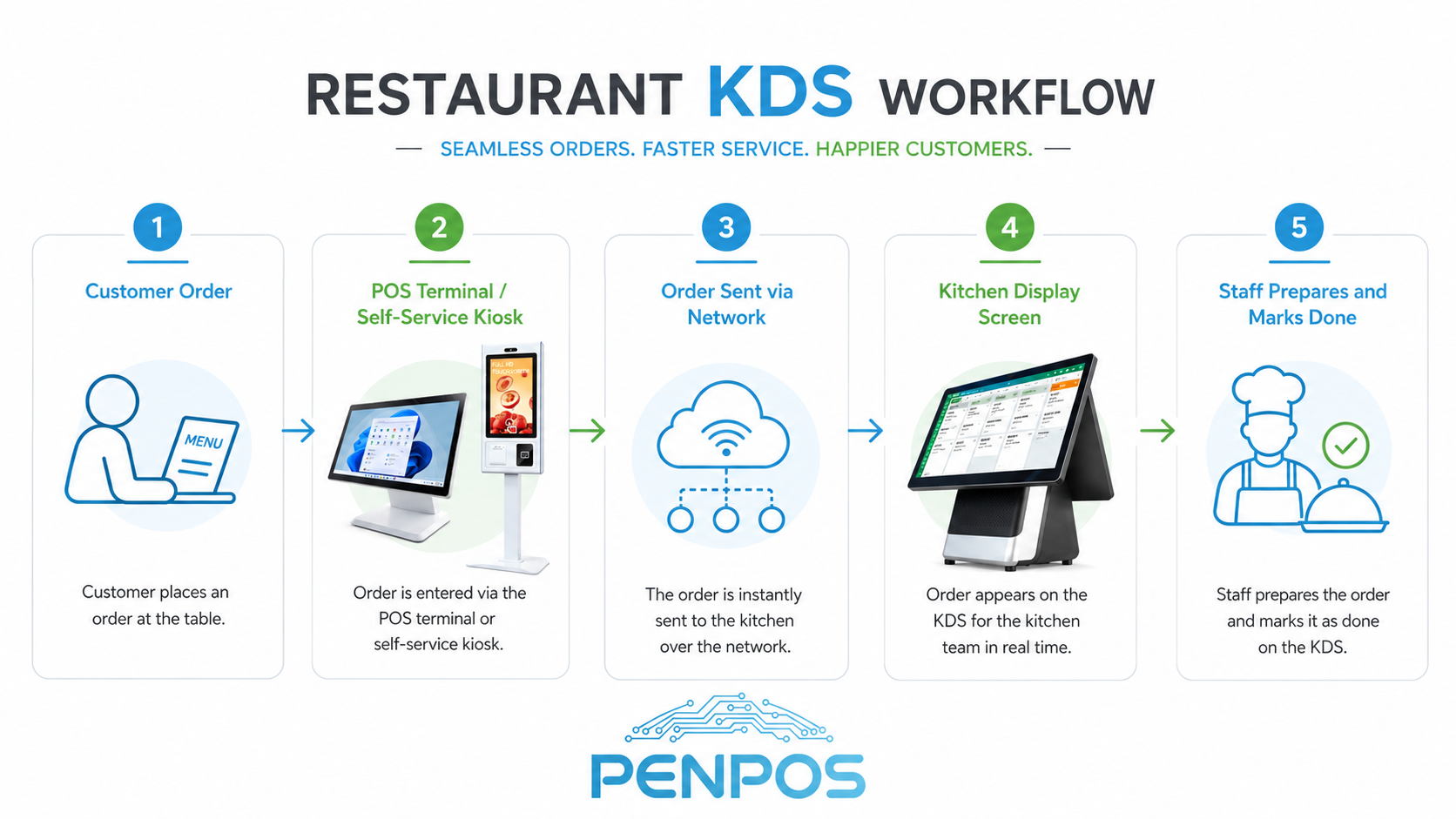
1. Order Placed at POS or Self-Service Kiosk
A customer places an order at the counter, through a cashier-operated POS terminal, or on a self-service kiosk. The POS software records the order items, payment status, order number, and table or pickup information.
2. Order Sent to Kitchen Display
The POS software sends the order data to the kitchen display screen. In many restaurant projects, this communication is handled through the local network or cloud-based software.
3. Kitchen Staff View and Prepare Orders
The KDS screen shows order details clearly. Kitchen teams can see item names, quantities, special notes, preparation priority, and order time.
4. Orders Can Be Routed by Station
For larger kitchens, orders can be routed to different stations such as grill, fryer, beverage, salad, dessert, or packing. This helps each team focus only on the items they need to prepare.
5. Order Is Marked Done
When the food is ready, staff can tap the screen or use a bump bar to mark the order as complete. This helps the kitchen and front-of-house team know which orders are ready for pickup or delivery.
Why Restaurants Use KDS Instead of Paper Tickets
Traditional kitchens often use thermal receipt printers to print paper tickets. This method is simple and still widely used, but high-volume restaurants may need a more visual and trackable system.
A Kitchen Display System can help restaurants:
- Reduce paper ticket loss
- Improve kitchen order visibility
- Track preparation time
- Reduce verbal communication errors
- Organize orders by station
- Support delivery and online orders
- Improve peak-hour workflow
For some smaller restaurants, receipt printers are still enough. For busy QSR, chain restaurants, or delivery-focused kitchens, KDS hardware can provide better visibility and control.
KDS vs Kitchen Printer: What Is the Difference?
Both KDS screens and receipt printers are used in restaurant order workflows, but they solve different problems.
A practical restaurant hardware setup can also use both. For example, a restaurant may use a POS terminal at the cashier, a receipt printer for customer receipts, and a KDS screen in the kitchen for order preparation.
Key Hardware Needed for a KDS Setup
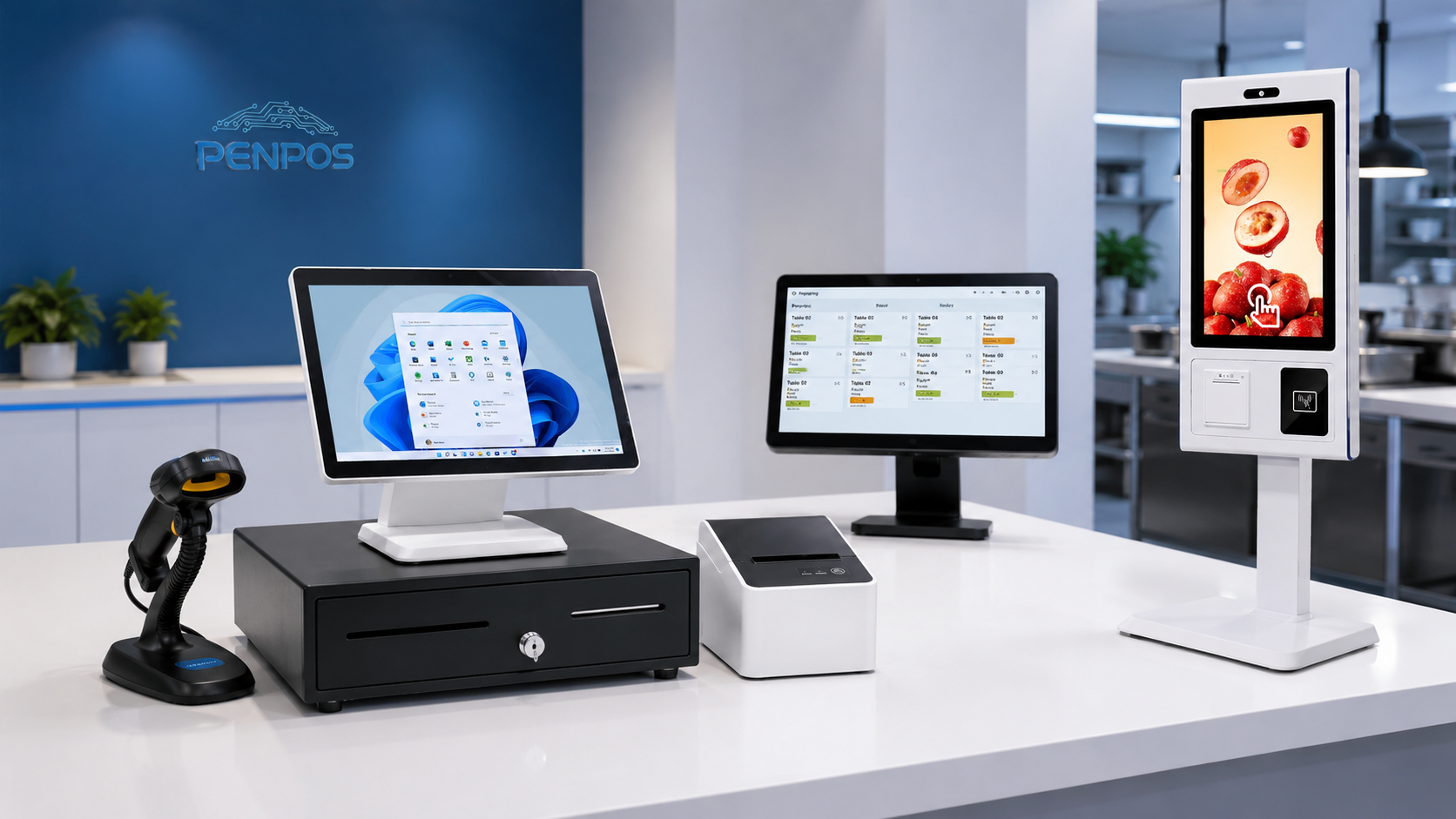
A KDS project usually involves several hardware elements. The final configuration depends on the restaurant software, kitchen layout, network setup, and operating environment.
1. Touchscreen Display or Monitor
The display is the main KDS screen. It should be easy to read under kitchen lighting and large enough for staff to view order details quickly.
Recommended considerations:
- Screen size
- Brightness
- Touch or non-touch operation
- Viewing angle
- Durability
- Mounting method
2. POS Terminal
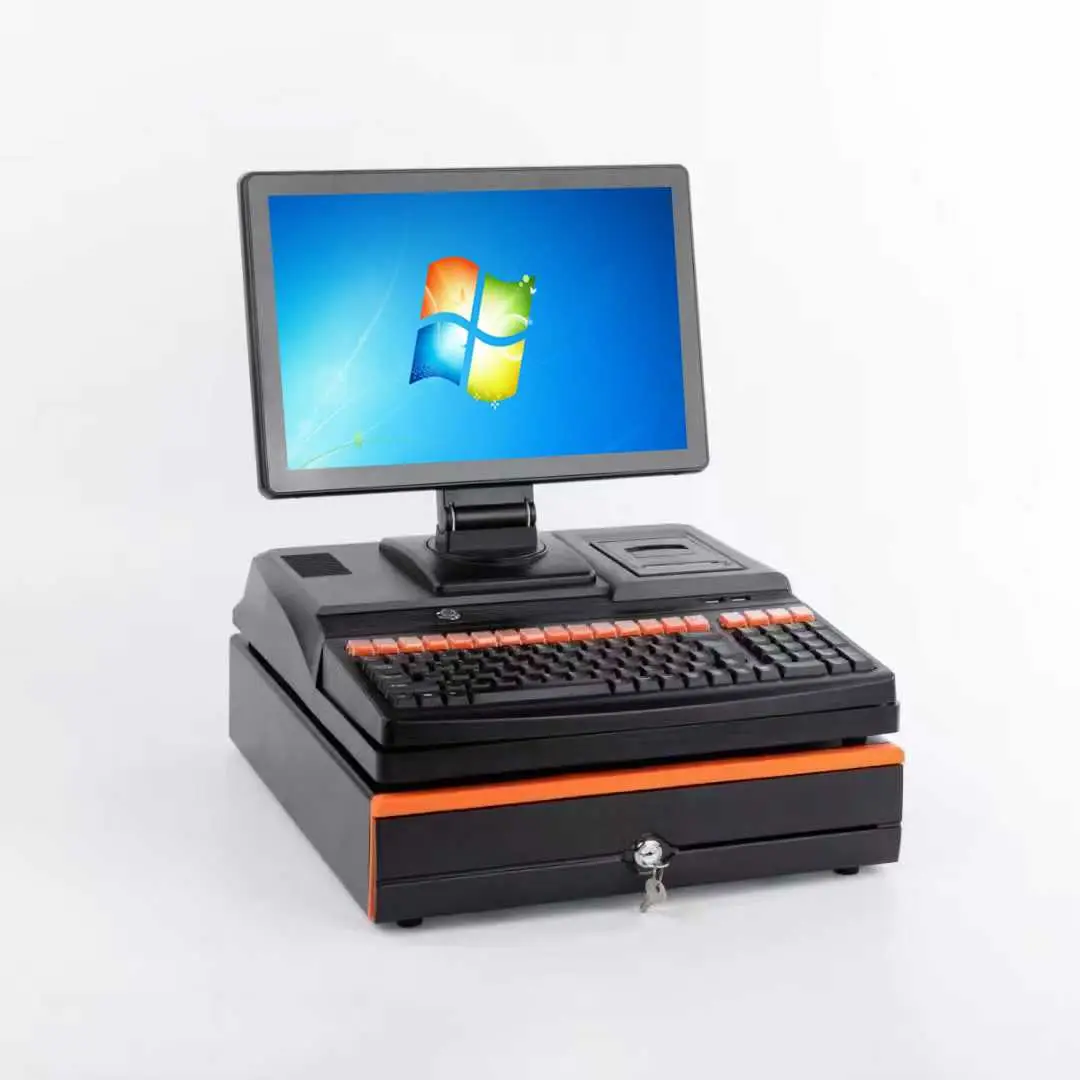
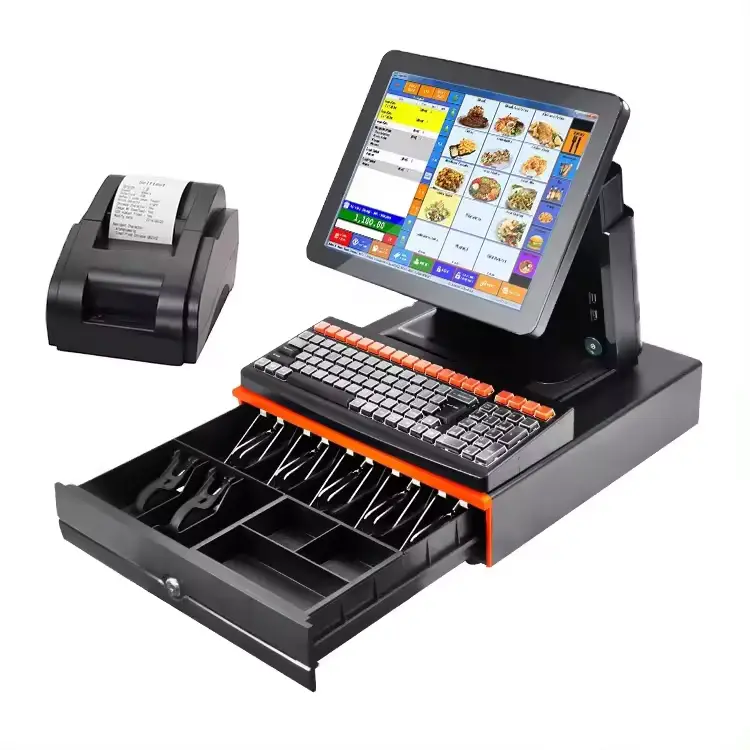
The POS terminal receives and processes customer orders. It may be used by cashiers, waiters, or store managers. For restaurants, a stable touchscreen POS terminal is the center of the ordering and checkout process.
3. Self-Service Kiosk
Self-service kiosks are increasingly used in QSR and fast casual restaurants. Customers can order directly on the kiosk, and the order can be sent to the POS system and kitchen workflow.
4. Receipt Printer
Even when a KDS is used, restaurants may still need receipt printers for customer receipts, kitchen backup tickets, or pickup labels.
5. Network and Power Setup
A stable local network is important for order transmission. For B2B projects, system integrators should check whether the restaurant site needs wired Ethernet, Wi-Fi, power adapters, or special mounting accessories.
What B2B Buyers Should Consider When Choosing KDS Hardware
For restaurant chains, POS software companies, and system integrators, KDS hardware selection is not only about screen size. The hardware must fit the actual kitchen and restaurant operating environment.
1. Hardware Stability
Restaurants often operate long hours. KDS screens and POS terminals may be used every day during breakfast, lunch, dinner, and delivery peaks. Stable hardware reduces downtime and service calls.
2. OS Compatibility
Different software platforms may require Windows, Android, or Linux-based hardware. Before buying KDS hardware, buyers should confirm the operating system, processor, memory, storage, and software requirements.
3. Mounting Options
Some kitchens need wall-mounted screens, while others use countertop stands. For busy kitchens, the mounting design should save space and keep the display easy to see.
4. Easy Cleaning
Kitchen environments may involve steam, oil mist, dust, and frequent hand contact. Smooth surfaces and simple structures can make daily cleaning easier.
5. OEM / ODM Support
For distributors and chain restaurant projects, OEM / ODM support may be important. Buyers may need custom branding, port configuration, packaging, screen size selection, or project-based hardware matching.
6. Complete Hardware Supply
Instead of sourcing every device from a different supplier, many B2B buyers prefer one supplier who can provide POS terminals, receipt printers, scanners, cash drawers, POS scales, and self-service kiosks together. This makes communication, product matching, and after-sales support more efficient.
How PENPOS Supports Restaurant POS Hardware Projects
Shenzhen PENPOS focuses on B2B POS hardware supply for retail, restaurant, supermarket, distributor, and system integration projects. For restaurant technology projects, PENPOS can provide hardware options for different parts of the workflow:
- Touchscreen POS terminals for cashier checkout
- Self-service kiosks for customer ordering
- Receipt printers for receipts and kitchen tickets
- Cash drawers for counter payment
- Barcode scanners for retail and inventory use
- POS scales for grocery and fresh retail scenarios
- Checkout accessories for complete POS deployment
For KDS-related projects, PENPOS hardware can be used as part of a larger restaurant system when configured with compatible KDS or POS software by software providers and system integrators.
PENPOS does not position hardware as a complete software system by itself. Instead, the company supports B2B buyers who need reliable hardware supply for their own software, restaurant solution, or distribution project.
FAQ: Kitchen Display System Hardware
What does KDS stand for?
KDS stands for Kitchen Display System. It is a digital screen used in restaurant kitchens to display and manage food orders.
Is a KDS the same as a POS terminal?
No. A POS terminal is usually used for ordering and checkout. A KDS screen is usually used in the kitchen to show order details and preparation status. In some projects, touchscreen POS hardware or monitors can be configured as KDS display hardware.
Does a KDS replace a kitchen printer?
In some restaurants, yes. In other restaurants, KDS screens and receipt printers are used together. A printer may still be used for receipts, backup tickets, or labels.
What type of hardware is needed for KDS?
A typical KDS project may need a commercial display or touchscreen terminal, computing unit, network connection, power supply, mounting accessories, and compatible restaurant software.
Who buys KDS hardware?
KDS hardware is often purchased by restaurant chains, POS software companies, restaurant equipment distributors, system integrators, and B2B resellers.
Can PENPOS provide KDS software?
PENPOS focuses on POS hardware supply. KDS software and system configuration are usually handled by POS software providers, restaurant solution companies, or system integrators.
Summary
A Kitchen Display System helps restaurants replace paper-based kitchen communication with a more organized digital order workflow. For QSR, cafés, delivery kitchens, and chain restaurants, KDS hardware can improve visibility, order tracking, and kitchen coordination.
For B2B buyers, the key is to choose hardware that fits the restaurant environment, software platform, mounting method, and long-term project requirements.
Shenzhen PENPOS provides B2B POS hardware solutions including touchscreen POS terminals, self-service kiosks, receipt printers, cash drawers, barcode scanners, POS scales, and checkout accessories. For restaurant, retail, supermarket, and system integration projects, PENPOS supports practical hardware sourcing, OEM / ODM communication, and project-based supply.
To discuss POS hardware for restaurant or KDS-related projects, contact Shenzhen PENPOS for product options and quotation support.
About Shenzhen PENPOS
Shenzhen PENPOS is a B2B POS hardware supplier providing touchscreen POS terminals, POS scales, receipt printers, cash drawers, barcode scanners, and self-service kiosk solutions for retail, restaurant, supermarket, distributor, POS software company, and system integrator projects.
Website: https://www.penpostech.com/
Email: info@penpostech.net
WhatsApp: +86 186 6446 3674