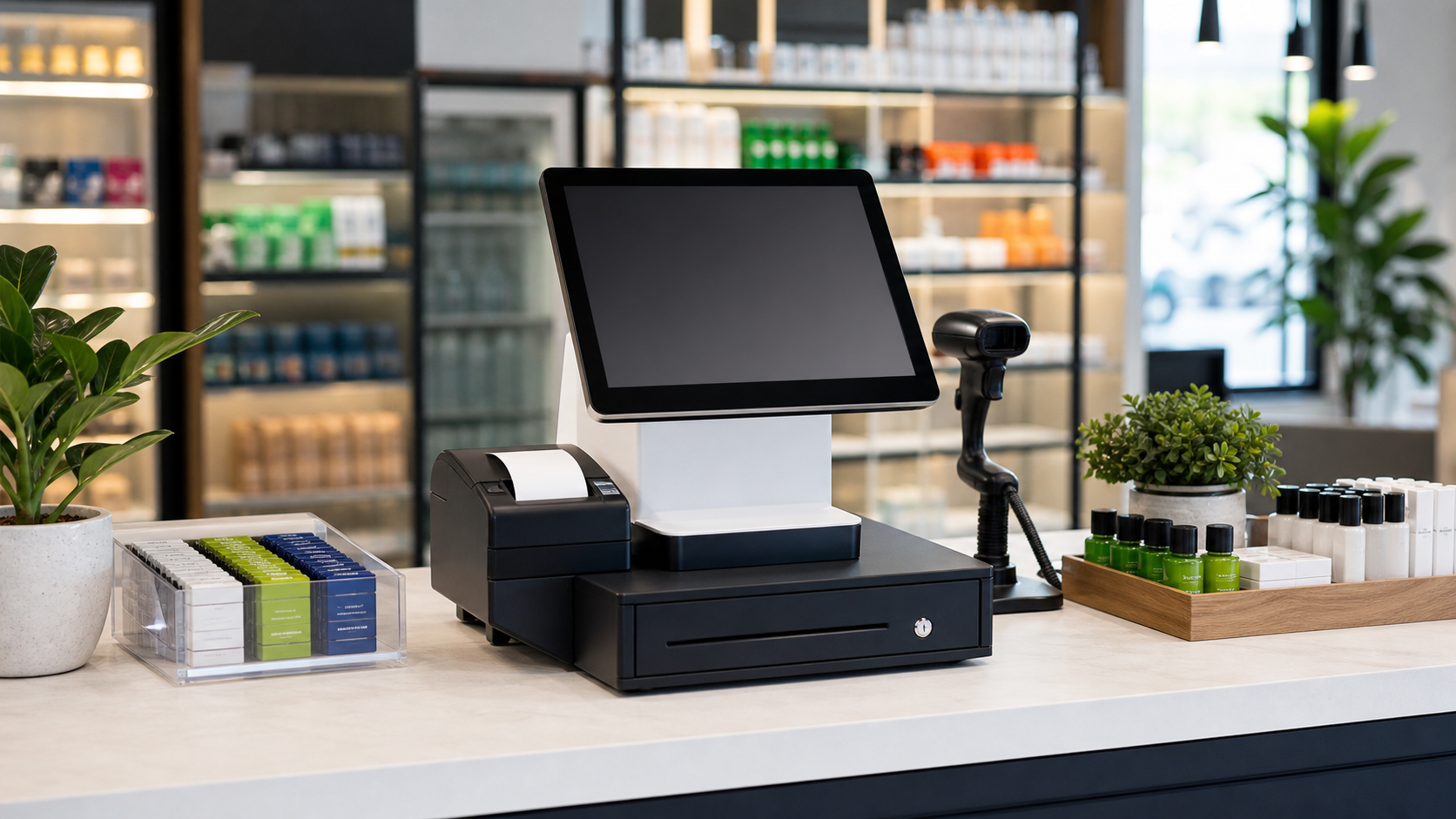

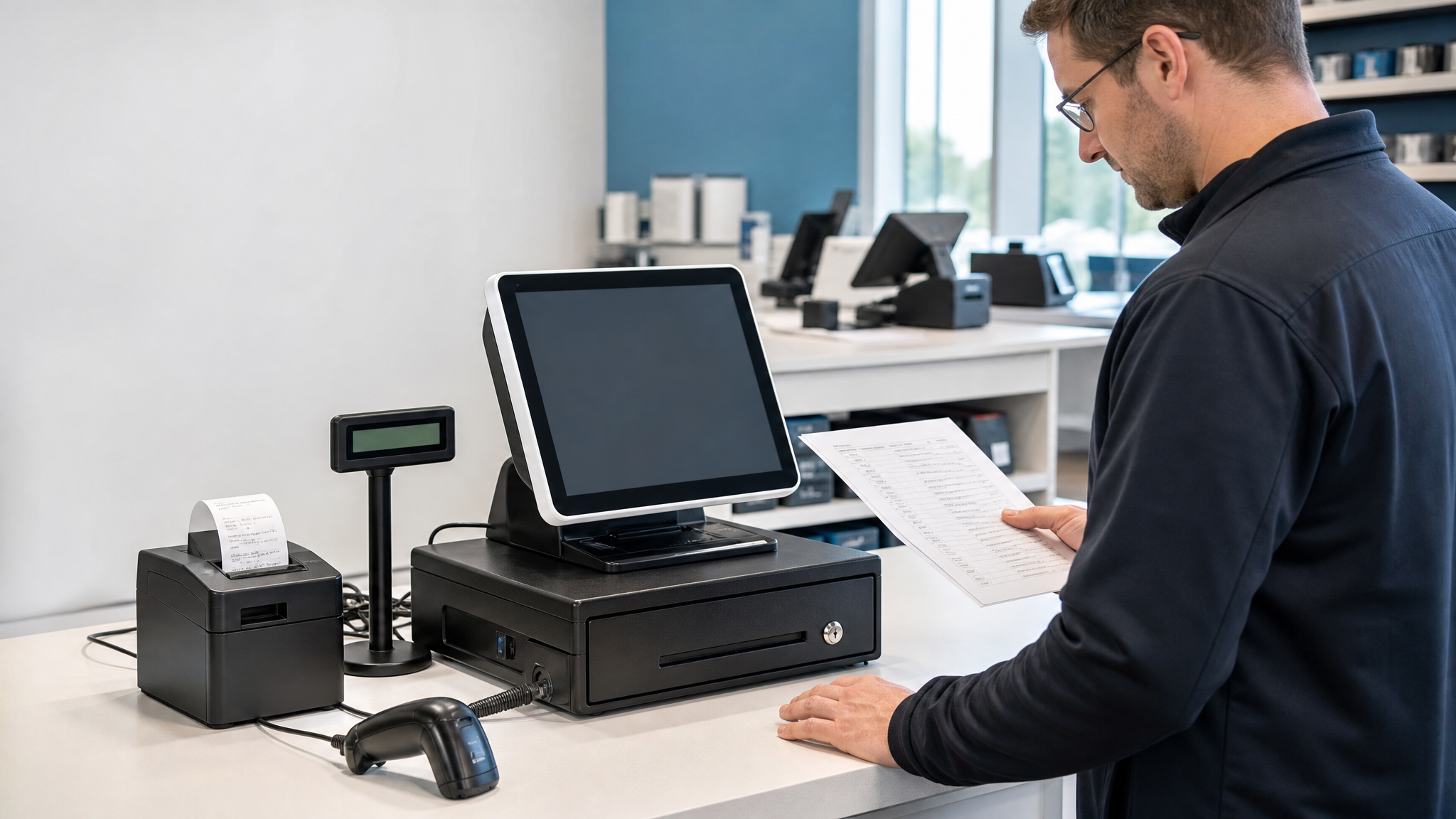
Quick Answer: What Must Be Agreed Before a Multi-Store Rollout?
Approve the software and operating system, an itemized hardware configuration, peripheral compatibility, pilot acceptance tests and the installation checklist. Record model and configuration changes so repeat orders can be compared with the approved sample.
Start with POS hardware sets for a complete checkout configuration or individual POS terminals when existing peripherals will be reused.
Rolling out POS hardware across several stores is not the same as buying a terminal for one counter. A device can work perfectly in a showroom and still create delays when it meets an older cash drawer, a different network policy, limited counter space, or a receipt format that was never tested. For distributors, software companies, and project buyers, the safest approach is to treat hardware selection as a deployment process rather than a product comparison.
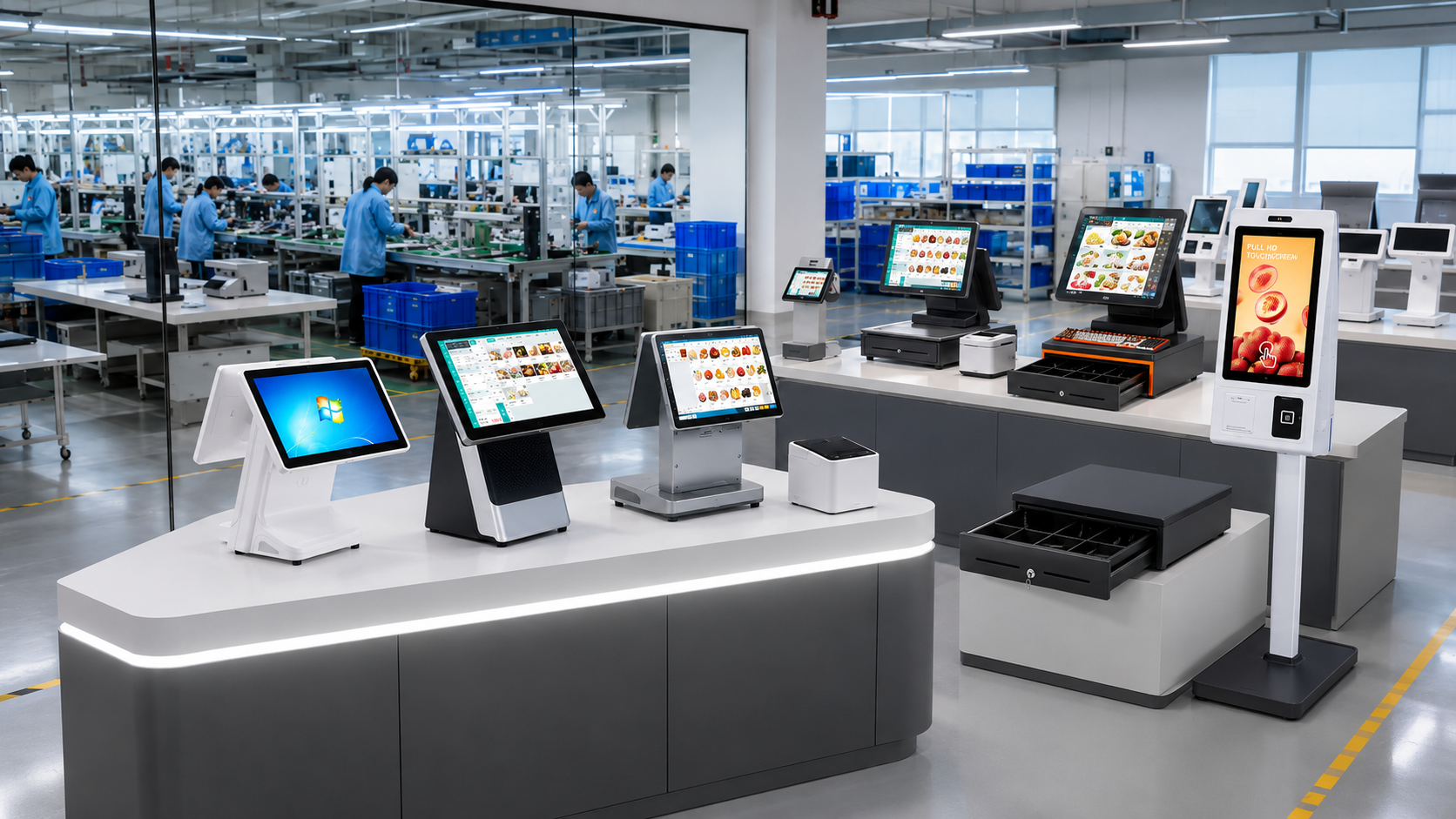
This POS hardware deployment checklist is built around the questions that should be settled before a sample order, during pilot testing, and before bulk production. It is intended for retail chains, restaurant groups, supermarkets, system integrators, and resellers preparing repeatable installations.
1. Define the Operating Site Before Choosing Hardware
A useful quotation starts with the checkout environment. ??e need 50 POS systems??is not enough information to specify the right configuration. A grocery counter, a quick-service restaurant, and a fashion store may use the same screen size while requiring different ports, printers, mounting arrangements, and cleaning procedures.
For each site type, record:
- Available counter width, depth, and cable access
- Customer-facing display requirements
- Expected daily transaction volume
- Receipt width and average receipt length
- Connection method: Ethernet, Wi-Fi, 4G, or a controlled local network
- Power standard and plug type for the destination market
- Dust, grease, moisture, and cleaning conditions
- Whether staff use gloves and how often the screen is cleaned
These details often decide whether a standard all-in-one POS terminal, a complete checkout set, or a more specialized industrial configuration is appropriate. They also prevent a common mistake: approving a visually attractive model before checking whether it fits the actual counter.
2. Build a Complete Bill of Materials
The POS terminal is only one line in a working checkout system. A deployment bill of materials should name every device, cable, bracket, and consumable needed at the site. This makes quotations comparable and reduces last-minute purchases from several vendors.
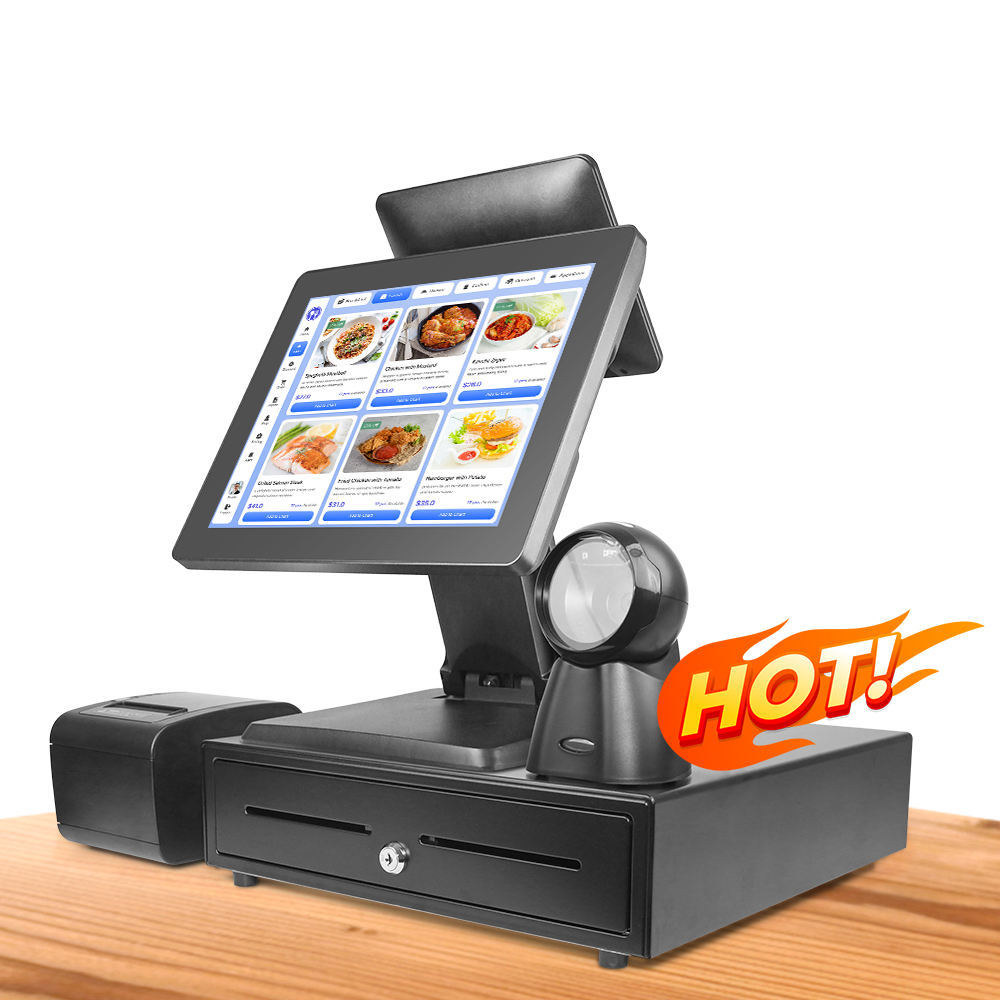
Core checkout hardware
- Primary touchscreen terminal and selected CPU, memory, and storage
- Operator display size and touch technology
- Customer display or second screen
- Thermal receipt printer with the required interface and paper width
- Cash drawer with matching trigger interface
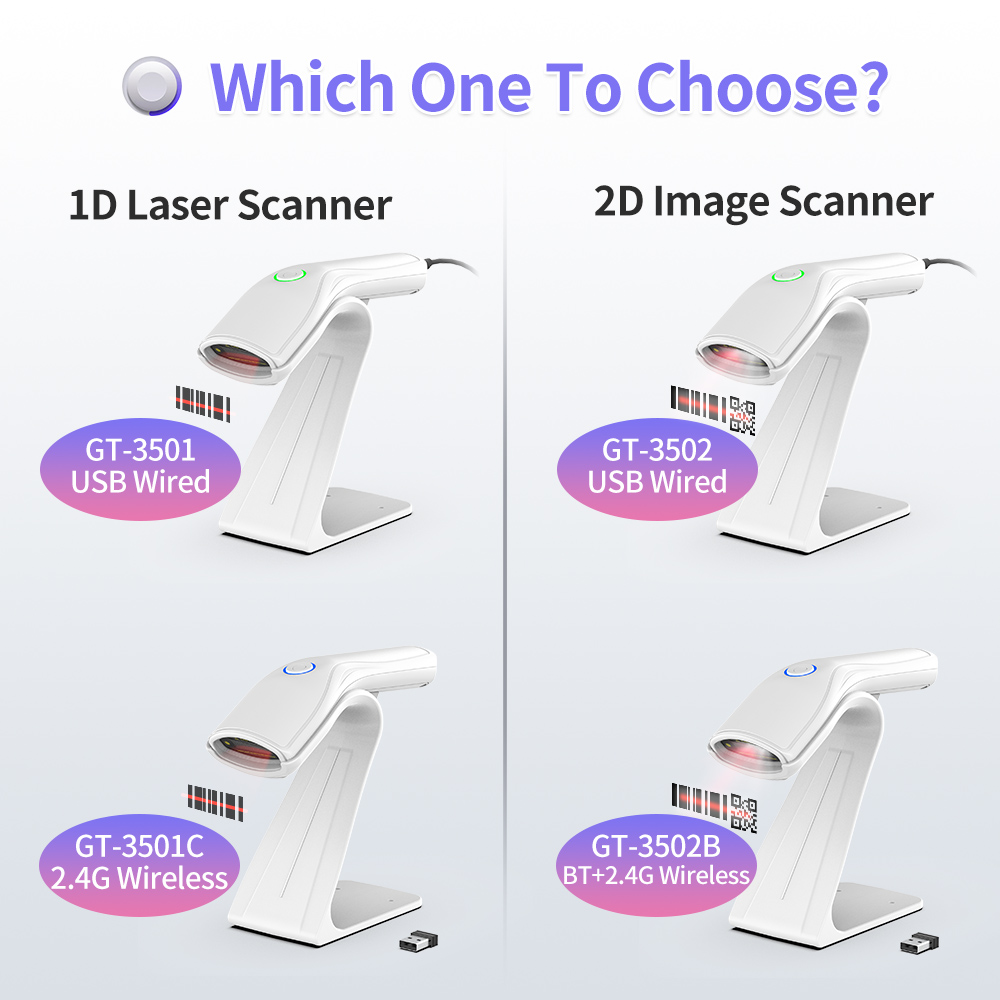
- Barcode scanner suited to the codes used in the store
- Payment terminal supplied or approved by the payment service provider
Site-specific additions
Supermarkets may need a POS weighing scale, pole display, or scanner scale. Restaurants may need a kitchen printer, bump bar, or display hardware. A convenience store can require more USB or serial ports for legacy peripherals. A reseller may also need spare power supplies, printer heads, cables, and one replacement unit per deployment batch.
For retail barcode planning, check which symbols the project must read rather than asking only for ??D and 2D support.??The GS1 barcode overview explains how UPC/EAN, GS1 DataBar, GS1-128, and 2D symbols serve different identification and supply-chain uses.
3. Confirm Interfaces and Peripheral Compatibility
Most failed pilots are not caused by processor speed. They are caused by a small compatibility detail that was assumed rather than tested.
Make an interface map
Create a one-page diagram showing every physical connection. Record the number and version of USB ports, LAN, serial, cash-drawer, display, audio, and power connections. If an older peripheral is being reused, photograph its label and connector. ??J11??alone is not sufficient because drawer wiring and printer kick-out specifications can differ.
Separate POS hardware from payment approval
A touchscreen computer is not automatically an approved payment device. Card readers and PIN-entry equipment should be selected with the acquiring bank or payment provider. The PCI SSC Point of Interaction standard covers security requirements for devices that protect PINs and payment-card data. Ask the payment partner to confirm the exact supported terminal, connection method, and regional certification before bulk deployment.
Verify software and operating-system needs
Provide the POS software vendor with the intended operating system, processor architecture, driver list, screen resolution, and peripheral models. Confirm whether the application needs Windows, Android, a specific browser engine, local database access, or dedicated services. The hardware supplier can prepare the device configuration, but the software company or system integrator remains responsible for application setup and workflow validation.
4. Use the Sample as a Deployment Test, Not a Product Demo
A sample should reproduce one real checkout lane as closely as possible. Install the actual software build, connect the planned peripherals, load a realistic product database, and run a complete shift simulation.
Include the following test cases:
- Cold boot, user login, and application launch
- Scanning fast-moving, damaged, small, and screen-based barcodes
- Printing short and long receipts, logos, QR codes, and multilingual text
- Opening the cash drawer from the chosen printer or terminal
- Testing network interruption and recovery
- Running peak-hour transactions for an extended period
- Checking screen visibility, touch accuracy, and counter ergonomics
- Testing shutdown, restart, and software update procedures
Record the software version, BIOS settings, drivers, device serial numbers, and test result. Once the pilot is approved, these records become the reference configuration for the production batch. Avoid changing CPU, storage, touch panel, printer mechanism, or wireless module after approval without a documented re-test.
5. Prepare the Rollout Package Before Bulk Production
Bulk hardware should arrive as an installable kit, not a collection of boxes. Before production starts, agree on what is configured at the factory and what is completed by the local integrator.
Configuration control
- Approved hardware model and revision
- Operating system edition and language
- BIOS and power-recovery settings
- Storage partition and device naming convention
- Driver package and restoration method
- Asset labels, serial-number list, and carton labels
Installation materials
- Connection diagram for every counter type
- Quick-start guide for installers
- Known-good driver and utility package
- Spare-parts list and replacement procedure
- Escalation contacts for hardware, software, and payment issues
For multi-site projects, stage a small first batch before releasing the full quantity. A controlled first deployment reveals packaging, labeling, imaging, and installation issues while they are still inexpensive to correct.
6. What to Send Your POS Hardware Supplier
A clear request saves several rounds of email and produces a more accurate quotation. Send the supplier a short project brief containing:
- Destination country and number of sites
- Estimated pilot quantity and total project quantity
- Business type and checkout environment
- Required operating system and software owner
- CPU, memory, storage, and display preferences
- Required peripherals and interface list
- Branding, packaging, and labeling requirements
- Target sample date and rollout schedule
If the configuration is not yet fixed, send photos of the counter and existing equipment. Shenzhen PENPOS can then recommend a shortlist from its complete POS system sets and compatible checkout accessories. The final choice should be confirmed through a sample test with the buyer’s software and local payment environment.
Pre-Order Approval Checklist
- Counter dimensions and site conditions recorded
- Complete bill of materials approved
- All ports and peripheral interfaces mapped
- Payment equipment confirmed by the payment provider
- POS software tested on the sample configuration
- Receipt, barcode, drawer, network, and recovery tests passed
- Production configuration and change-control rules documented
- Packaging, labels, spare parts, and rollout documents approved
Frequently Asked Questions
How many POS samples should a multi-store project test?
One complete lane is enough for an initial compatibility test, but projects with different counter types or workflows should test one configuration for each distinct site type. A restaurant counter and supermarket weighing lane should not share a single approval test.
Should the POS supplier install the buyer’s software?
The supplier can prepare the operating system, drivers, image, and agreed settings. Application licensing, cloud accounts, payment configuration, and workflow approval should be managed by the software provider or system integrator unless a separate deployment service has been agreed.
What causes the most common peripheral compatibility problems?
Typical causes include insufficient ports, incorrect drawer wiring, unsupported printer drivers, inadequate power supplies, and assumptions about barcode formats. An interface map and a real sample test identify these issues before bulk production.
Is the cheapest POS configuration suitable for a chain rollout?
Not necessarily. Chain projects should compare lifecycle consistency, replacement availability, thermal performance, ports, service access, and software support. A lower unit price can be offset by installation changes or mixed hardware revisions.
What information is needed for a POS hardware quotation?
Share the destination market, quantity, operating system, software requirements, screen size, processor level, peripherals, interfaces, branding needs, and target delivery schedule. Photos or drawings of the checkout counter are also useful.