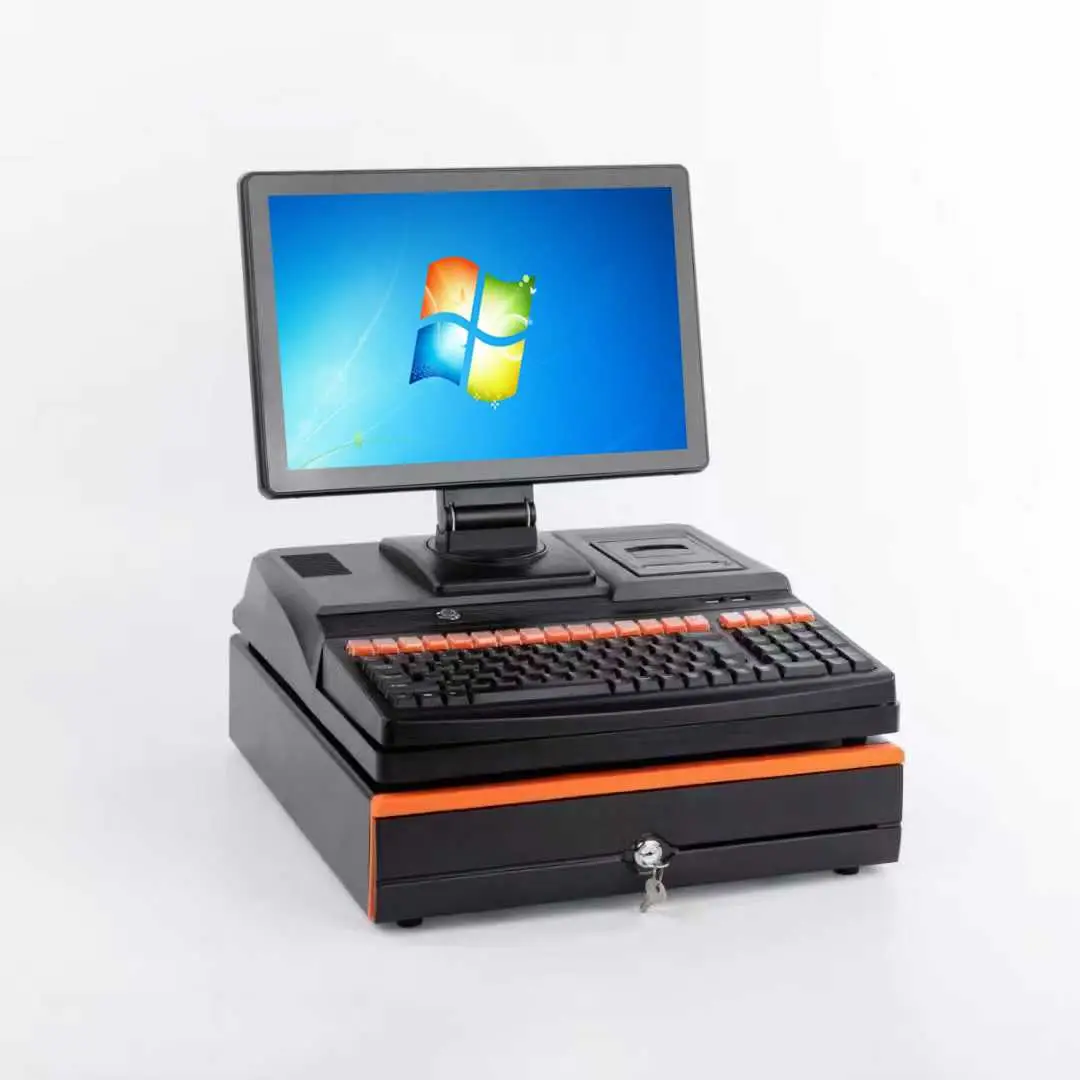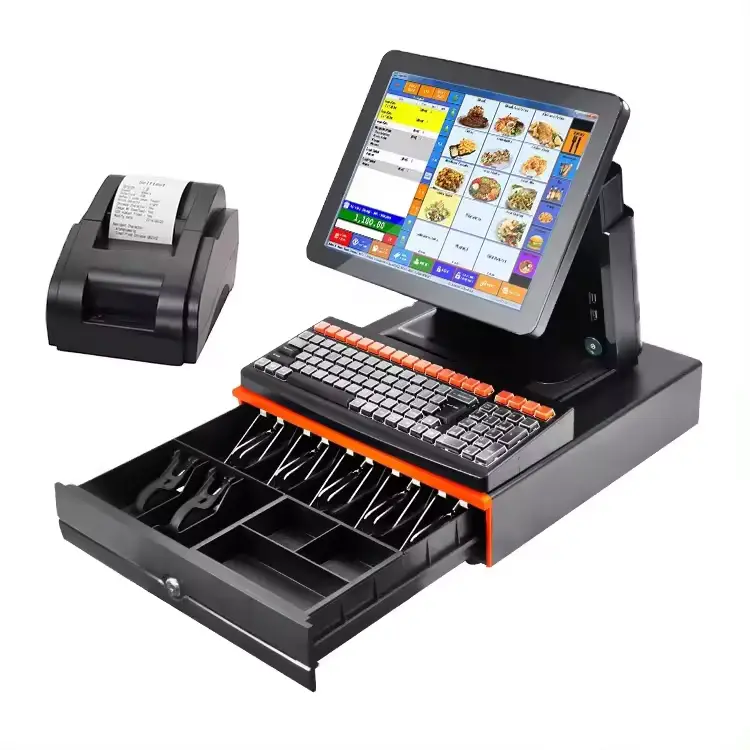

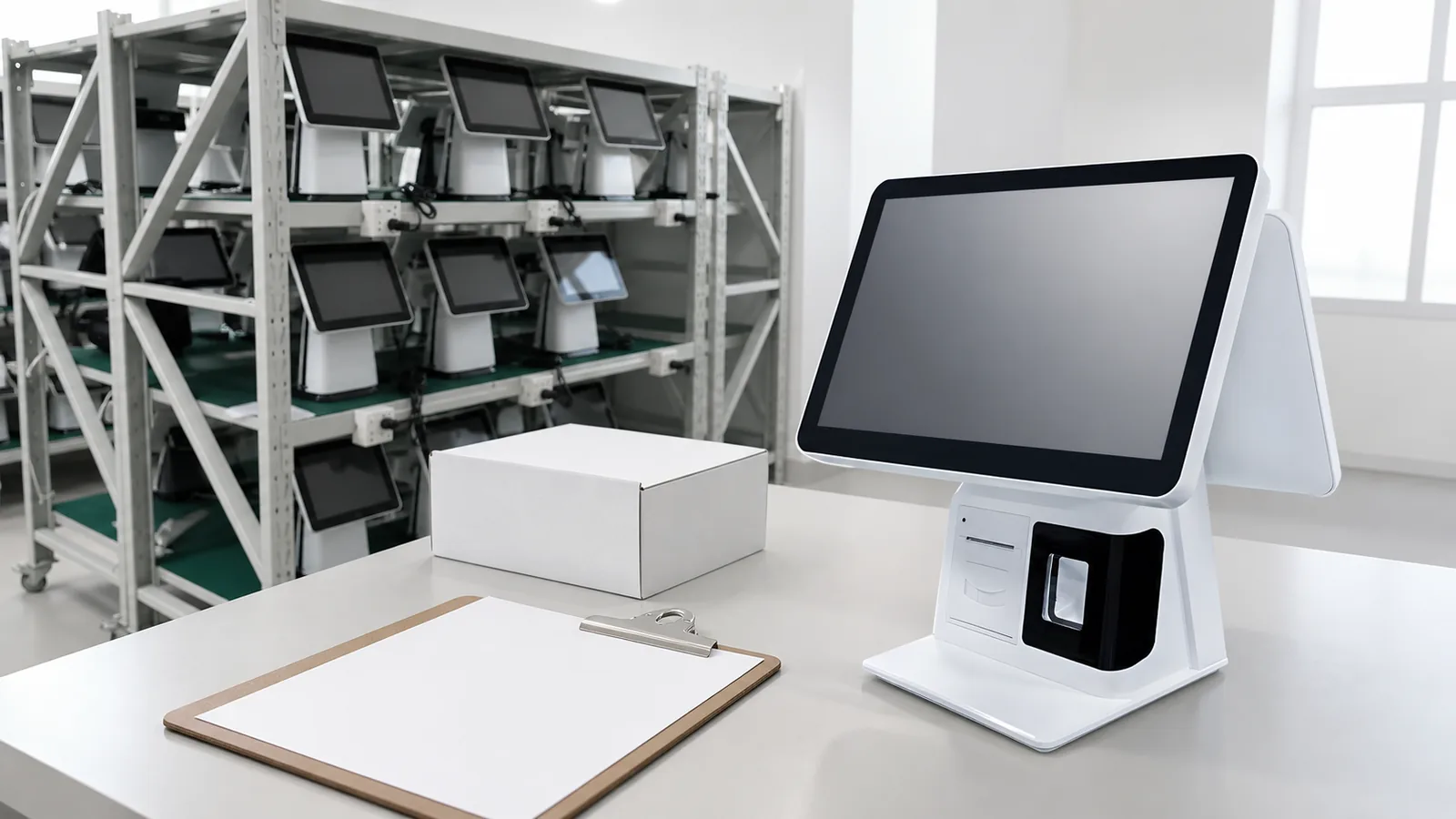
OEM and ODM are widely used terms in POS hardware sourcing, but buyers and suppliers do not always use them in the same way. That can lead to unclear quotations, unexpected development work and delays during sample approval.
For a distributor, POS software company or system integrator, the first step is to define what must actually change. A logo on an existing terminal is very different from a new enclosure, motherboard layout or integrated peripheral design.
This guide explains how to prepare a POS hardware project before discussing customization with a supplier. Shenzhen PENPOS focuses on POS hardware supply. Available customization depends on the selected model, quantity and technical review, and must be confirmed in the quotation.
What Does ODM Mean for POS Hardware?
In a typical ODM project, the supplier already has an existing product platform. The buyer selects a suitable model and discusses changes that can be made within that platform.
Possible discussion items may include:
- Logo placement
- Product label
- Packaging artwork
- User manual
- Housing color on suitable models
- Memory or storage configuration
- Operating system image or startup settings where supported
- Optional customer display, reader or peripheral
The exact options vary by model. A change that looks simple may still require a minimum quantity, artwork approval, tooling or component verification.
ODM is often practical for distributors and software companies that need a market-ready terminal without developing the complete product from the beginning.
What Does OEM Mean for POS Hardware?
OEM can describe a deeper project in which the buyer provides specific product, mechanical, electrical or branding requirements. Depending on the scope, it may involve custom structure, interfaces, modules, firmware settings, tooling or packaging.
Before treating a request as a full OEM project, clarify:
- Which parts must be unique?
- Does the buyer provide industrial design or mechanical drawings?
- Are new molds or structural changes required?
- Must the motherboard or I/O layout change?
- Is a special display, scanner, printer or reader being integrated?
- Which certifications or reports are required for the destination market?
- Who owns the design files and tooling?
- How will engineering samples be approved?
These questions affect cost, development time, minimum quantity and responsibility. They should be documented before work begins.
Choose the Right Project Level
Many buyers do not need a completely new product. A practical project can be divided into four levels.
Level 1: Standard Hardware
The buyer selects an existing terminal and configuration. This is suitable for software testing, sample orders and smaller deployments.
Level 2: Branding and Packaging
The product platform remains unchanged, while the buyer discusses logo, label, manual or packaging requirements. Availability and minimum quantities must be confirmed.
Level 3: Configuration and Module Selection
The project may require a specific processor, memory, storage, screen, customer display, printer, scanner or reader. Compatibility and component availability must be reviewed.
Level 4: Product Development
The buyer requires structural, electrical or other deeper changes. This needs a formal technical review, development plan, sample process and commercial agreement.
Defining the correct level prevents a branding request from being handled like a full product development project, or vice versa.
Information to Prepare Before Contacting a Supplier
A strong inquiry helps the supplier evaluate the project accurately. Prepare the following information.
Buyer and Market
- Company type: distributor, brand, software company, integrator or project buyer
- Destination market
- Expected sales channel or deployment scenario
- Estimated sample and project quantities
- Target schedule
Software and System
- Windows or Android requirement
- POS application and software vendor
- Minimum processor, RAM and storage
- Driver, SDK or device-management requirements
- Customer display mode
- Network and offline workflow
Hardware
- Screen size and touch type
- Single or dual display
- Required ports
- Printer, scanner, cash drawer, scale or payment-device connection
- Mounting and counter-space limitations
- Operating environment
Customization
- Logo file and preferred position
- Color reference if a color change is requested
- Label and packaging languages
- Required manuals or accessories
- Any structural or functional change
Compliance and Delivery
- Required documents for the target market
- Packaging requirements
- Shipping destination
- Spare-unit or spare-part expectations
Certification and documentation should be checked for the exact model and target market. Do not assume that one document applies to every configuration.
The Sample Approval Process
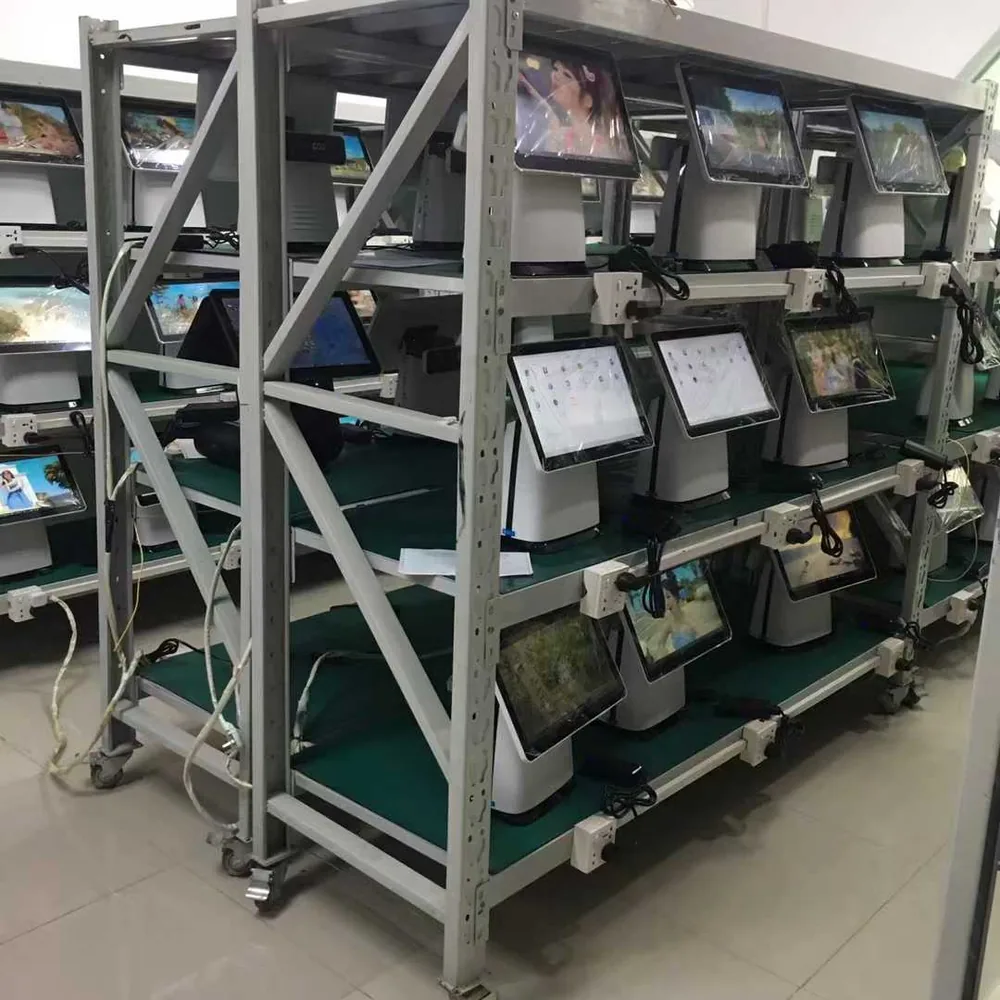
A customized POS hardware project should have a clear approval path.
- Requirement review: buyer and supplier confirm the application, hardware and customization scope.
- Configuration proposal: supplier identifies a suitable existing model or states that engineering review is needed.
- Commercial quotation: cost, quantity, schedule and included work are documented.
- Artwork or drawing approval: logo, label, packaging or structural files are reviewed.
- Sample preparation: a sample is produced or configured for testing.
- Software and peripheral testing: buyer verifies the intended application and connected devices.
- Written sample approval: approved configuration and changes are recorded.
- Bulk order confirmation: production proceeds according to the approved specification and purchase agreement.
Changes after sample approval may affect cost and schedule. Use a version-controlled specification sheet so both sides refer to the same configuration.
Questions Distributors Should Ask
Distributors need more than a good-looking terminal. They also need a product that can be supported after resale.
Ask about:
- Configuration consistency for repeat orders
- Driver and operating system information
- Packaging suitable for local distribution
- Product images and documents available for channel use
- Sample and demonstration-unit availability
- Spare-unit or component discussion
- Process for reporting hardware issues
- Method for confirming compatibility with local POS software
Do not promise local customers a feature until it has been tested on the approved hardware and software combination.
Questions POS Software Companies Should Ask
Software companies should focus on repeatable integration.
- Is the operating system version stable for the project period?
- Which processor platform and display resolution are used?
- Are printer, scanner and customer-display drivers available?
- How are external devices connected?
- Can the software image or application be tested on a sample?
- What changes require a new compatibility test?
- How will configuration revisions be communicated?
Keeping an approved reference unit can reduce confusion when future batches are tested.
Common Sourcing Mistakes
Requesting a Quote Without the Software Requirement
The terminal may look suitable but fail to meet the application workload or operating system requirement.
Treating Every Customization as Free
Artwork, labels, packaging, configuration changes, tooling and engineering can have different commercial conditions.
Skipping a Complete Peripheral Test
A terminal can run the application while still having problems with a printer, scanner, drawer or customer display.
Using an Unclear Product Name
Record the exact model and approved configuration. Marketing names alone are not enough for repeat orders.
Assuming One Certificate Covers Every Model
Request the applicable document for the selected model and configuration, then verify what it covers.
How PENPOS Supports Project Discussions
Shenzhen PENPOS supplies touchscreen POS terminals, POS scales, receipt printers, barcode scanners, cash drawers, kiosks and checkout accessories. We work with distributors, POS software companies, system integrators and project buyers to discuss model selection, configuration and quotation requirements.
Customization availability depends on the product and order. Send your target application, software platform, hardware list, expected quantity, destination and requested changes to contact PENPOS.
You can also compare existing all-in-one POS terminals before deciding whether a standard configuration or a customized project is more suitable.
Frequently Asked Questions
Is adding a logo considered OEM or ODM?
Terminology varies. In practice, adding a logo to an existing platform is usually a branding customization. The important point is to define the exact work, quantity and approval process.
Can I order one customized sample?
Sample and customization availability depend on the model and requested change. Send the project details for review.
Does PENPOS provide POS software?
PENPOS focuses on POS hardware. Software is normally supplied and configured by the buyer, software company or system integrator.
What files are needed for logo customization?
The supplier may request a vector logo file, color reference, size and placement. Final requirements depend on the marking method and product surface.
How should I test an OEM or ODM sample?
Install the intended software, connect all peripherals, test the operating workflow and confirm the approved configuration in writing.
Can documentation requirements be discussed?
Yes, but available documents differ by product and target market. Confirm the exact requirement before quotation.