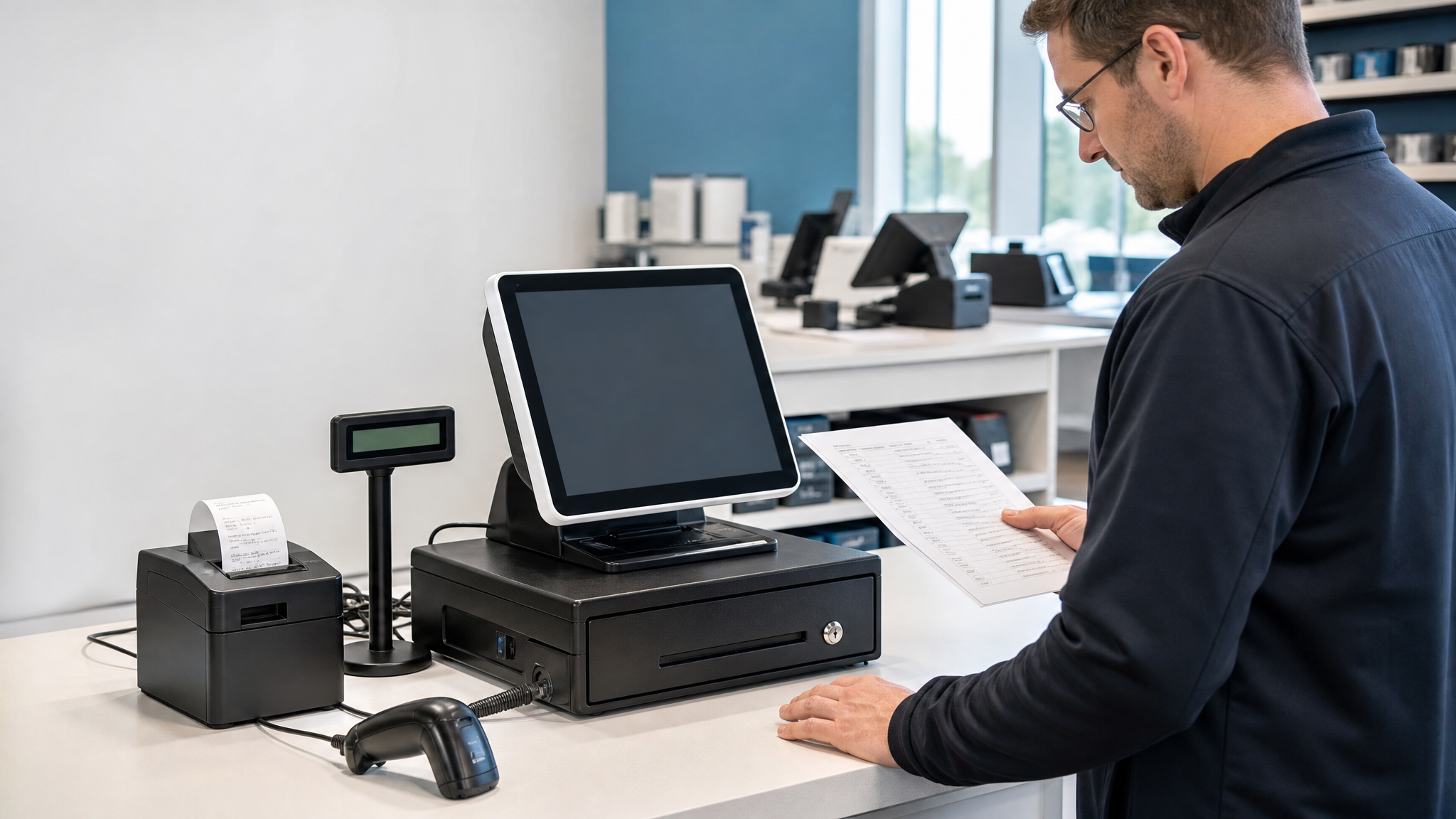

Quick Answer: What Should You Check First?
Choose an all-in-one POS terminal by starting with software compatibility, then checking the included hardware, peripheral interfaces and available counter space. Approve a sample using your own checkout workflow before placing a repeat or bulk order.
An all-in-one terminal and a complete hardware bundle are different purchasing configurations. Compare all-in-one POS terminals with POS hardware sets, and ask which peripherals, software licenses and payment services are included.
For many retailers, the checkout counter is no longer just a place to take payment. It is where inventory data, customer service, staff efficiency, order accuracy, and store presentation all meet. That is why choosing the right all-in-one POS system matters more than it did a few years ago.
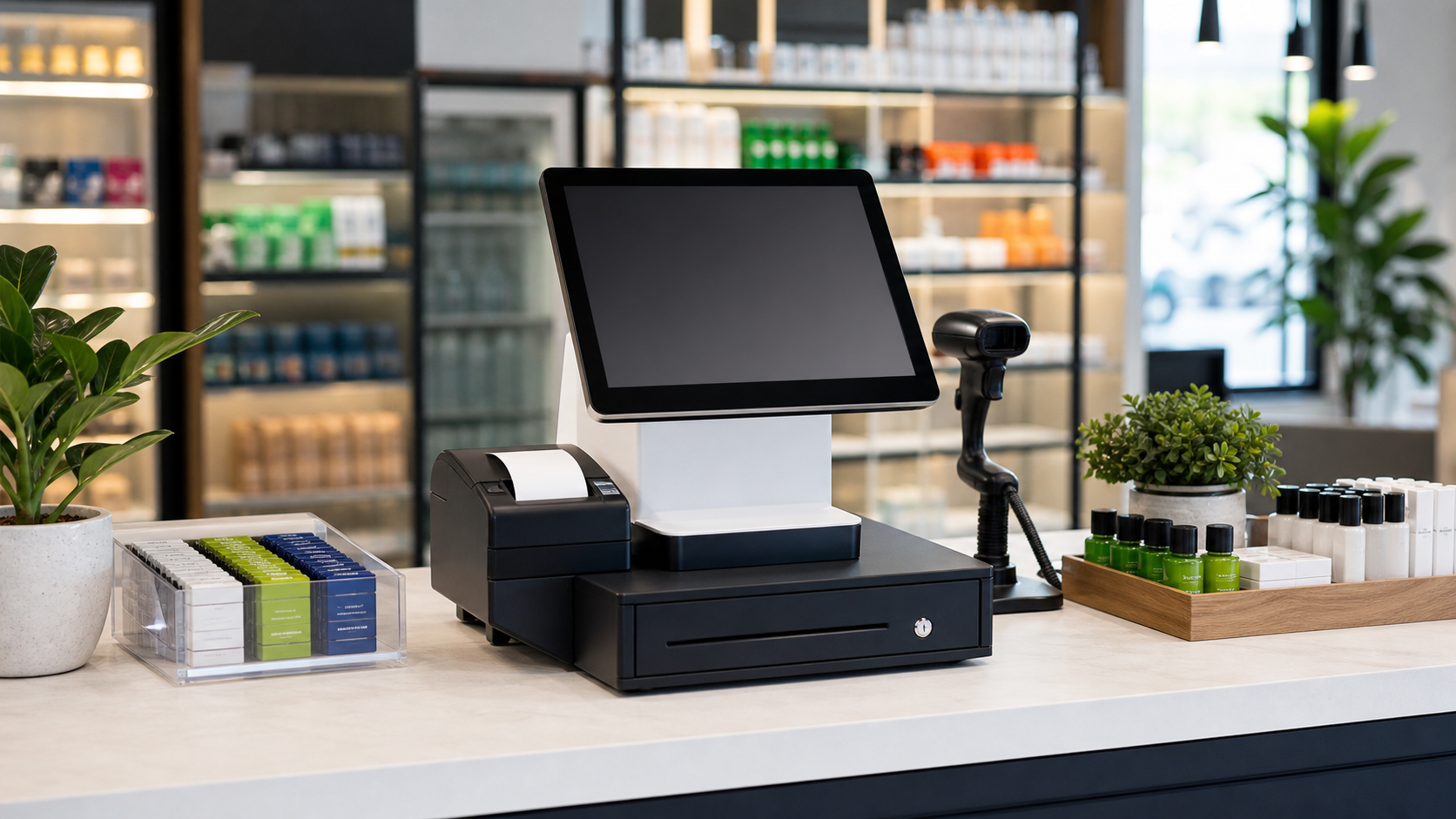
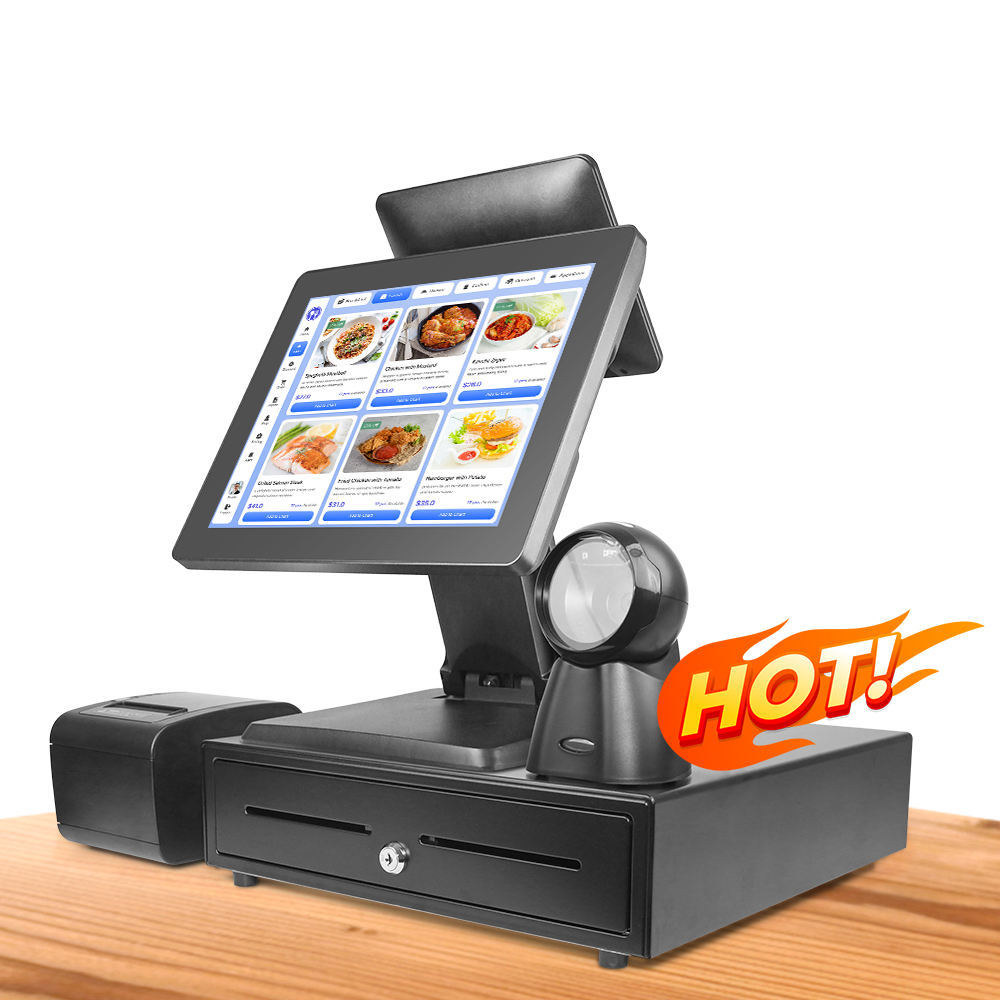
A modern POS terminal can combine a touchscreen computer, receipt printer, barcode scanner, customer display, cash drawer connection, and sometimes NFC or QR payment support in one compact setup. For convenience stores, boutiques, supermarkets, restaurants, pharmacies, and specialty shops, this can reduce cable clutter and make daily operations smoother.
But not every POS system is built for the same workload. A beautiful terminal that works well in a showroom may not be reliable enough for twelve-hour retail shifts. Before investing in new hardware, buyers should evaluate the device as part of the entire checkout workflow.
What Is an All-in-One POS System?
An all-in-one POS system is a point-of-sale terminal that integrates the core checkout hardware into a single device or tightly connected bundle. Instead of buying a separate computer, monitor, receipt printer, scanner, and cash drawer from different suppliers, businesses can choose a more unified POS setup.
Common components include:
- Touchscreen display for cashier operation
- Embedded Windows or Android motherboard
- Receipt printer, usually 58mm or 80mm thermal
- 1D or 2D barcode scanner
- Customer-facing display or second screen
- Cash drawer interface such as RJ11
- USB, LAN, Wi-Fi, Bluetooth, or 4G connectivity
For stores that want a simple checkout station with fewer installation headaches, an integrated POS terminal is often easier to deploy than a custom-built hardware stack.
Why Retail Stores Are Moving Toward Integrated POS Hardware
Retail operators usually do not upgrade POS hardware because they want a new screen. They upgrade because checkout has become slower, maintenance costs are rising, or old equipment cannot support modern payment and inventory workflows.
1. Faster Checkout and Fewer Manual Steps
When the touchscreen, printer, scanner, and payment peripherals work together cleanly, staff can complete orders faster. In high-traffic stores, even a few seconds saved per transaction can reduce queues and improve customer satisfaction.
2. Cleaner Counter Layout
Traditional POS setups often require multiple devices, extra power adapters, and messy cables. An all-in-one POS terminal creates a more professional counter appearance, which is especially important for boutiques, coffee shops, pharmacies, and modern convenience stores.
3. Easier Maintenance
When hardware comes from one POS supplier, troubleshooting is simpler. Store owners can avoid the common problem where the printer supplier blames the software provider, while the software provider blames the scanner or operating system.
4. Better Long-Term Scalability
If a retailer plans to open more branches, standardized POS hardware makes training, spare parts, and system maintenance easier. The same terminal model can be installed across multiple stores, reducing operational complexity.
Key Factors to Check Before Buying a POS Terminal
Screen Size and Touch Quality
Most retail POS terminals use 15-inch or 15.6-inch screens, while compact stores may choose smaller Android terminals. A larger screen is easier for staff training and product selection, but the counter space must be considered. For restaurants and supermarkets, a responsive capacitive touchscreen is usually worth the investment because cashiers use it all day.
Operating System: Android or Windows?
Android POS terminals are popular for lightweight applications, cloud POS software, mobile-style interfaces, and lower power consumption. Windows POS systems are often chosen for legacy software, heavier local databases, and more complex peripheral requirements.
If your business already uses a POS software platform, confirm the operating system requirements first. Hardware should fit the software, not the other way around.
Receipt Printer Type
A built-in 58mm printer is compact and suitable for small retail receipts. An 80mm thermal printer is better for supermarkets, restaurants, and businesses that need wider receipts or faster printing. If the printer is external, check whether the POS terminal has enough USB, LAN, or serial ports.
Barcode Scanner Support
For general retail, a 1D scanner can read common product barcodes. For mobile payment codes, QR labels, warehouse labels, and membership codes, a 2D scanner is more flexible. Stores that scan products continuously should choose a scanner with stable recognition speed and a durable stand or charging cradle.
Cash Drawer and Peripheral Ports
A reliable POS terminal should support common peripherals such as cash drawers, customer displays, receipt printers, label printers, weighing scales, and payment terminals. Before buying, list every device that must connect to the checkout station and confirm port compatibility.
Processor, Memory, and Storage
Entry-level processors can work well for basic billing, but busy retail environments may need stronger configurations. For Windows POS terminals, Intel J6412, Core i3, Core i5, or Core i7 options are common. For Android POS systems, check the CPU, RAM, storage, and Android version to make sure the device can run your software smoothly over several years.
Total Cost Is More Than the Purchase Price
Many buyers compare POS systems only by unit price. That can be risky. The cheaper terminal may become expensive if it requires frequent repair, has poor printer compatibility, lacks spare parts, or cannot support the next version of your POS software.
A better way to compare suppliers is to evaluate total ownership cost:
- Hardware reliability under daily use
- Warranty and replacement policy
- Availability of spare parts
- Compatibility with your POS software
- Customization options such as logo, color, CPU, RAM, storage, and peripherals
- Technical support for installation and troubleshooting
For B2B buyers, especially distributors and system integrators, stable supply and configuration flexibility are often more valuable than the lowest starting price.
Recommended POS Hardware for Retail Scenarios
For stores looking for a compact checkout setup, an Android all-in-one POS terminal with built-in printer and scanner can be a practical option for small retail, restaurants, and service counters.
For businesses that need stronger Windows software compatibility, a 15-inch all-in-one POS system or 15.6-inch white POS terminal may be a better fit. These models are suitable for retail counters that need a professional touchscreen cash register with flexible configuration options.
If the checkout station requires a full set of peripherals, a complete POS system bundle can simplify purchasing by combining the terminal, printer, scanner, and cash drawer into one solution.
Questions to Ask Your POS Hardware Supplier
Before placing an order, ask your supplier these practical questions:
- Which operating systems and POS software platforms have been tested?
- Can the device support my receipt printer, scanner, and cash drawer?
- What CPU, RAM, and storage configurations are available?
- Can you provide OEM or logo customization?
- What is the warranty period and repair process?
- Can you support bulk orders for multi-store deployment?
A professional POS hardware supplier should be able to answer these questions clearly and recommend a configuration based on the store environment, not just push one model.
Conclusion
The best all-in-one POS system is not simply the one with the biggest screen or the lowest price. It is the one that fits your software, checkout volume, peripheral requirements, counter space, and long-term maintenance plan.
For retailers planning to upgrade their checkout hardware in 2026, integrated POS terminals can deliver a cleaner counter, faster operation, easier maintenance, and a more professional customer experience. The key is to choose a POS supplier that understands real retail workflows and can provide the right hardware configuration for your business.
FAQ
Is an Android POS system enough for retail stores?
Yes, Android POS systems are suitable for many small and medium retail stores, especially when the POS software is cloud-based or Android-compatible. For heavier Windows software, a Windows POS terminal may be better.
Should I choose a 58mm or 80mm receipt printer?
A 58mm printer is compact and suitable for simple receipts. An 80mm printer is better for supermarkets, restaurants, and stores that need wider receipts or faster printing.
Can one POS terminal connect to a barcode scanner and cash drawer?
Yes, most professional POS terminals support barcode scanners and cash drawers through USB, RJ11, LAN, or other ports. Always confirm compatibility before ordering.